

Cricut Tools 101: Must-Have Accessories for Every Crafter
This post and the photos within it may contain Amazon or other affiliate links. If you purchase something through the link, I may receive a small commission at no extra charge to you.
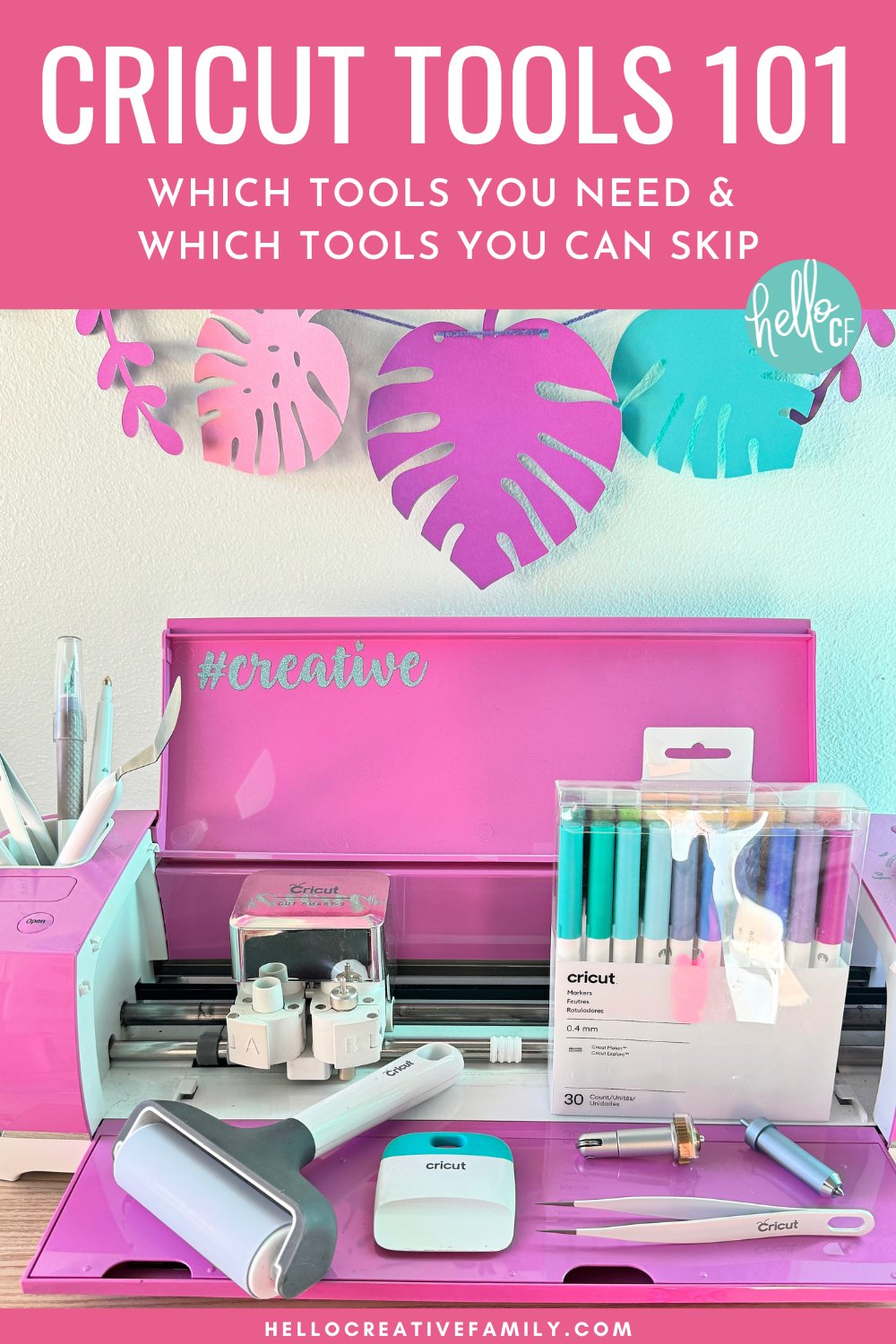
New to Cricut? Not sure which tools you actually need? Don’t waste money on accessories you won’t use! This Cricut Tools Guide breaks down my must-have essentials, wishlist-worthy finds, and project-specific tools. Whether you’re crafting with vinyl, HTV, paper, or Infusible Ink, this guide will help you pick the right tools for success!
Hi Crafty Friend!
Whether you’re brand new to Cricut crafting or have been creating for years, having the right tools can make all the difference in your projects. The right accessories can help you cut cleaner, weed faster, and create with confidence. But with so many tools available, how do you know which ones are truly essential?
I’ve been using a Cricut cutting machine for over 12 years, and in that time, I’ve tried just about every Cricut tool under the sun. Some of them I love, and others have just been okay. I’m a thrifty crafter, and I want you to get a ton of bang for your buck when you’re Cricut crafting. There’s no sense in buying tools you’ll never use!
In this post, I’m going to cover every Cricut tool out there and whether it’s a winner—aka a Crystal’s Craft Room Essential—along with which ones you only need if you’re working on specific projects.
Join Cricut Craft Club and Craft Live with Me
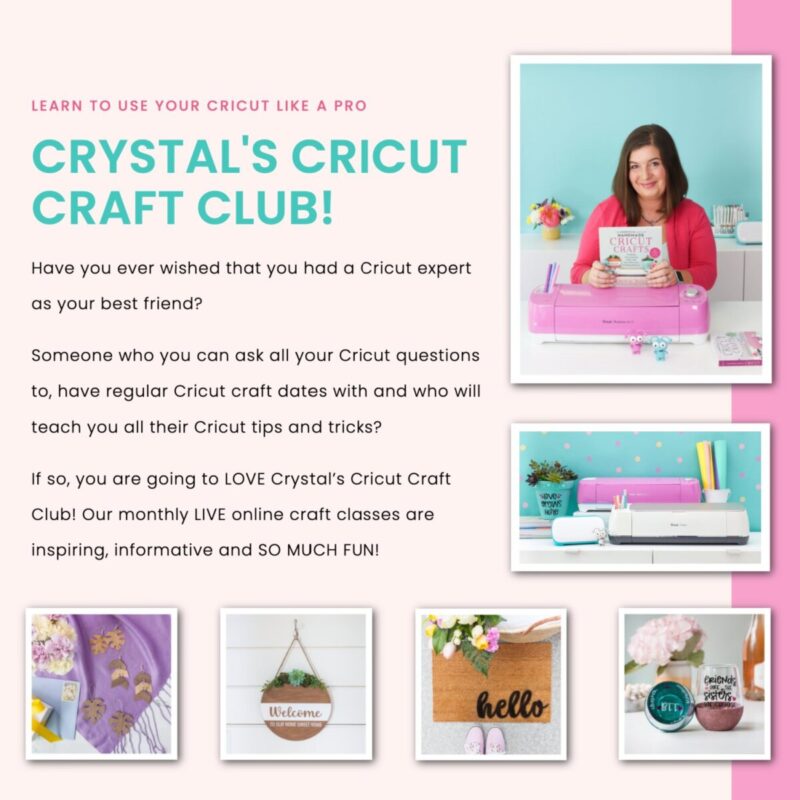
Want to gain Cricut confidence and make amazing projects every month? Sign up for the Cricut Craft Club and craft live with me on Zoom once a month! Each session is packed with fun, creativity, and hands-on learning, designed to help you master your Cricut skills and create stunning projects.
Sign up for Cricut Craft Club here and let’s craft together!
Ready to take your Cricut tool skills to the next level? Let’s dive in!
Crystal’s Cricut Craft Room Essentials
It can be overwhelming when you first get your Cricut to figure out which tools you actually need. That’s why I’ve put together this list of Crystal’s Cricut Craft Room Essentials—the tools I couldn’t live without when crafting.
These are my tried-and-true favorites that I reach for in nearly every project. If you’re just getting started, these tools will help set you up for success, and I know you’ll love them just as much as I do!
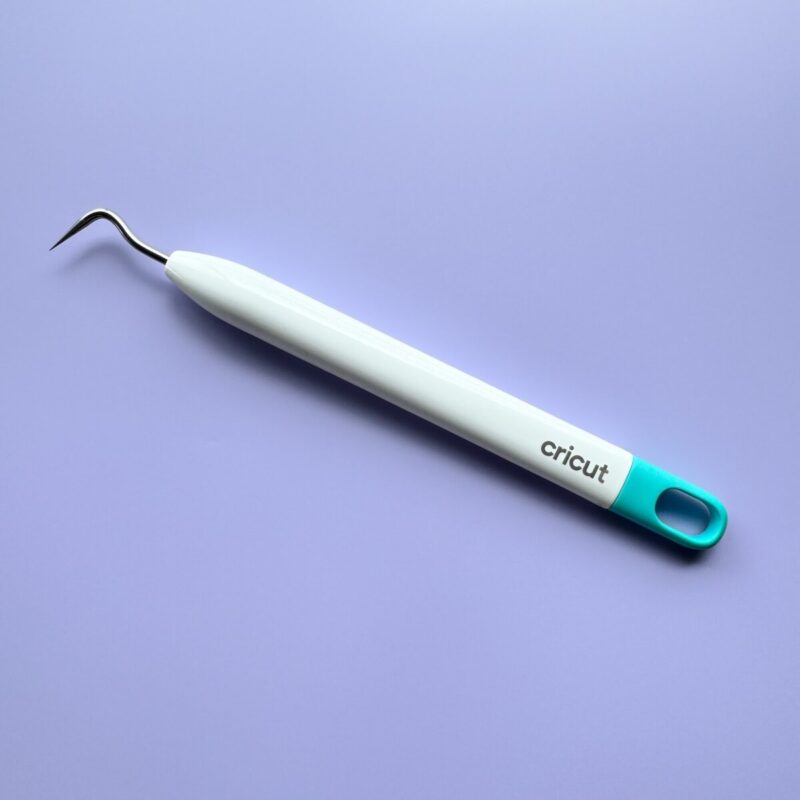
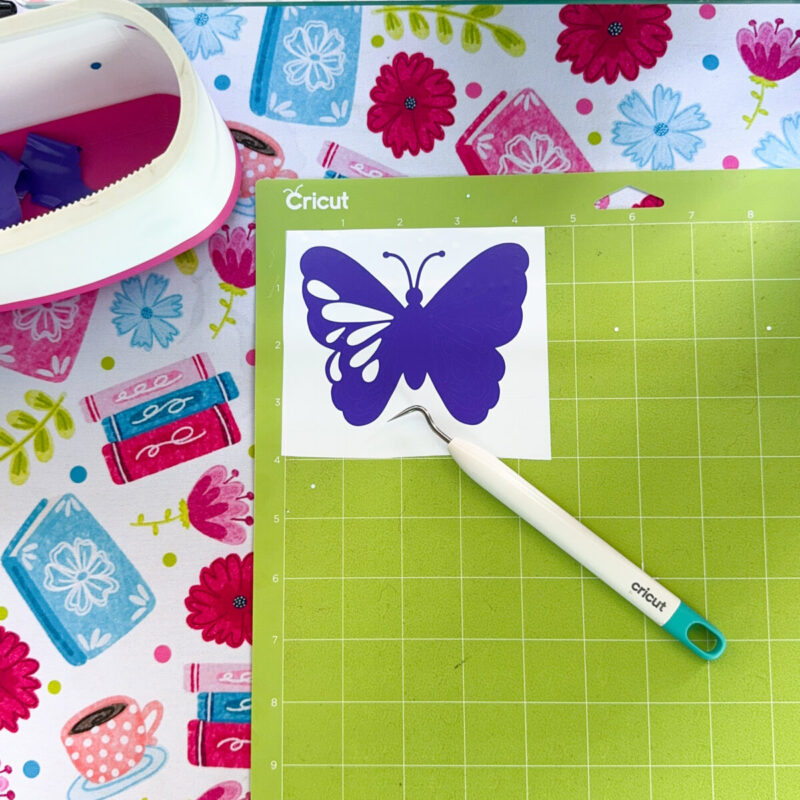
- Weeding Tools – Essential for removing excess vinyl and heat transfer vinyl (HTV) from intricate designs. A good weeding tool makes fine details easier to work with.
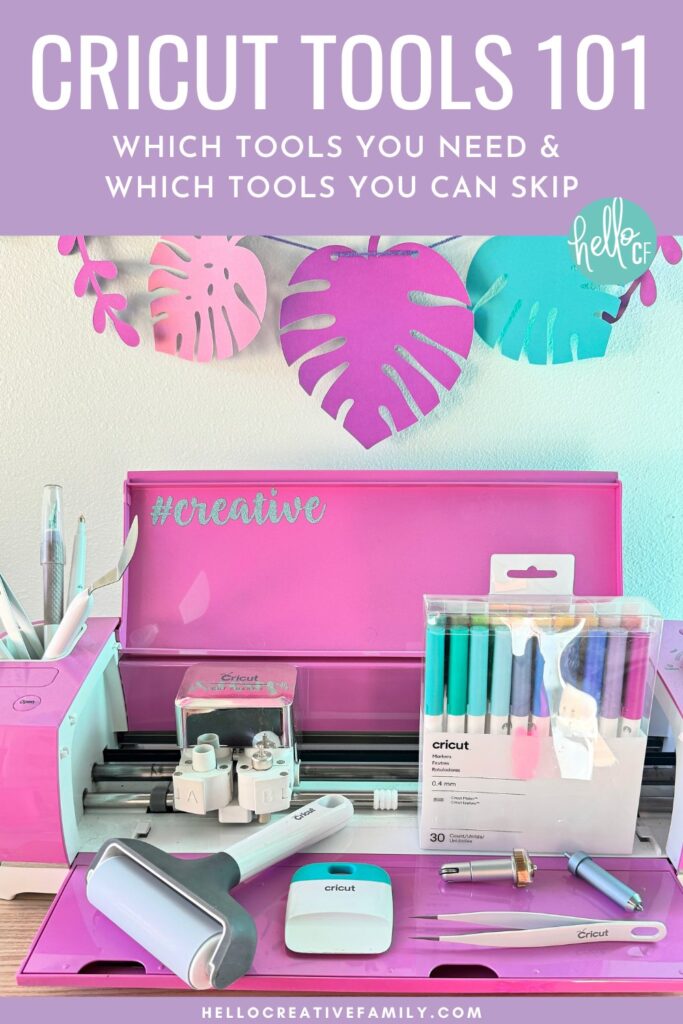
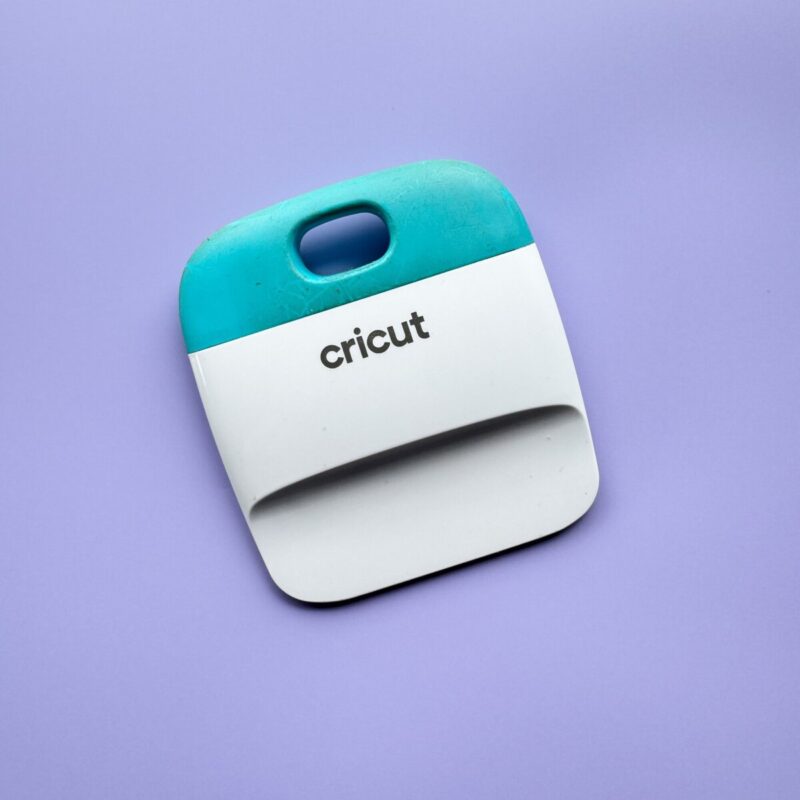
Buy on Cricut.com - Scraper Tool A versatile tool that helps remove scraps from cutting mats, burnish transfer tape to vinyl, and smooth bubbles out of vinyl when applying it to surfaces.
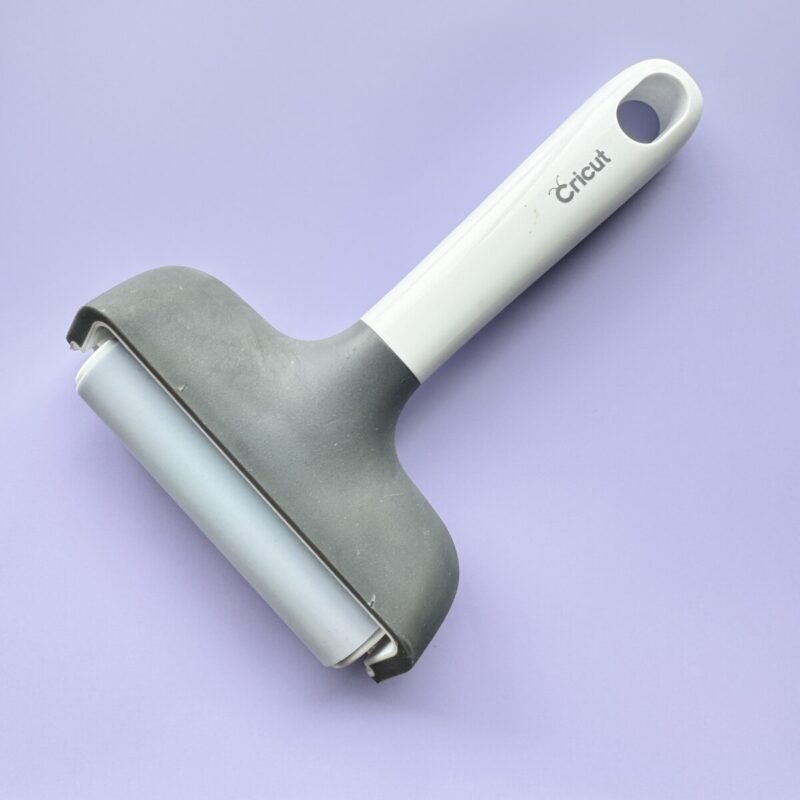
Buy on Cricut.com - Brayer The most underrated Cricut tool in my opinion! I use it for every project to ensure materials adhere firmly to the cutting mat, preventing lifting and shifting. It also extends the life of your mats! I even use it after pressing iron-on vinyl to ensure full adhesion.
Buy on Cricut.com - Scoring Stylus Ideal for making crisp fold lines in cardstock and paper for greeting cards, boxes, and 3D crafts. I prefer the scoring stylus over the scoring wheel because it fits in the pen holder, so you don’t have to switch out tools mid-project.
Pro Tip: If the scoring stylus doesn’t make a deep enough crease, duplicate the score lines, align them, and attach them together before cutting.
Buy on Cricut.com

- StandardGrip Cutting Mat The most versatile mat, perfect for vinyl, iron-on, and medium-weight cardstock. If you only get one mat, this is the one to choose.
Buy on Cricut.com - Cricut EasyPress If you plan to use iron-on/HTV, an EasyPress is a must. Unlike a household iron, the EasyPress provides even heat across the surface and allows for precise temperature control, resulting in long-lasting transfers. I started with a household iron, but once I switched to the EasyPress, my iron-on projects became much more durable.
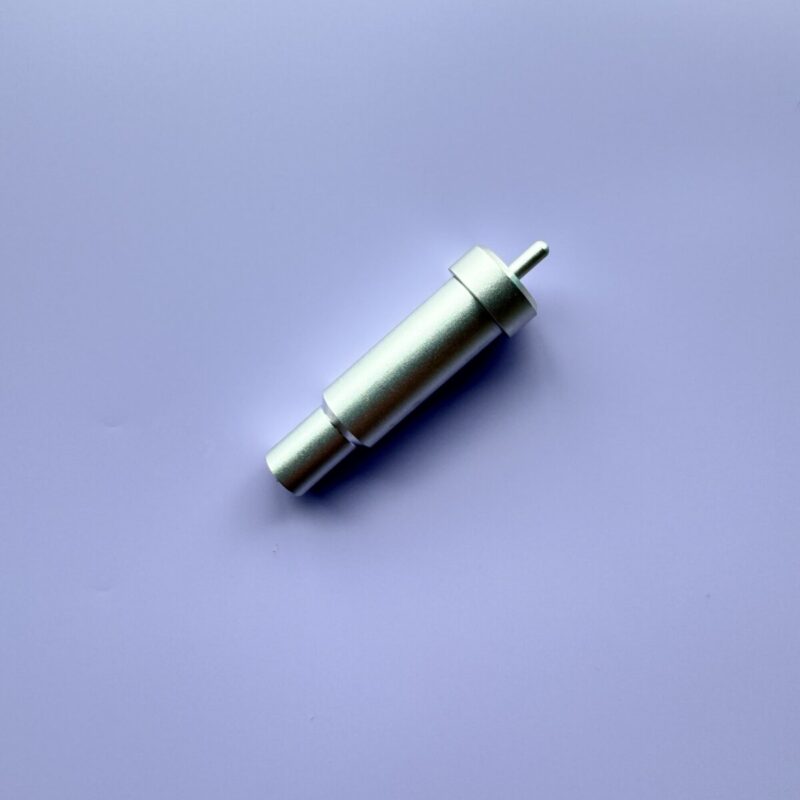
Buy on Cricut.com - Fine-Point Blade The standard cutting blade for most materials, including vinyl, iron-on, and cardstock. This blade will most likely come with your Cricut cutting machine. I like keeping one blade for paper and a separate blade for vinyl/HTV to prolong their sharpness. Pro Tip: Stock up when you see a sale so you’re never stuck with a dull blade mid-project.
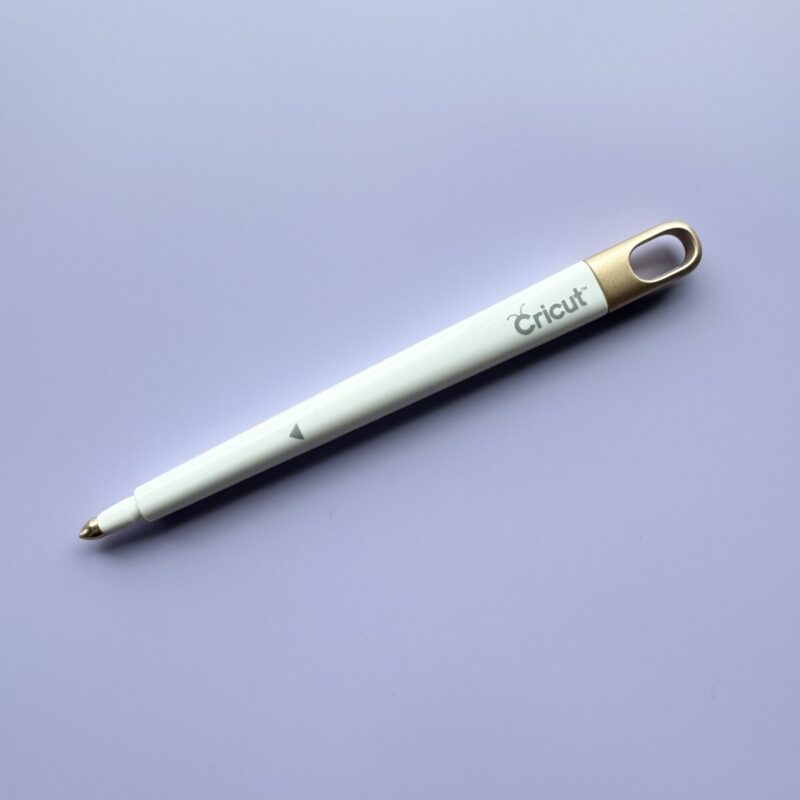
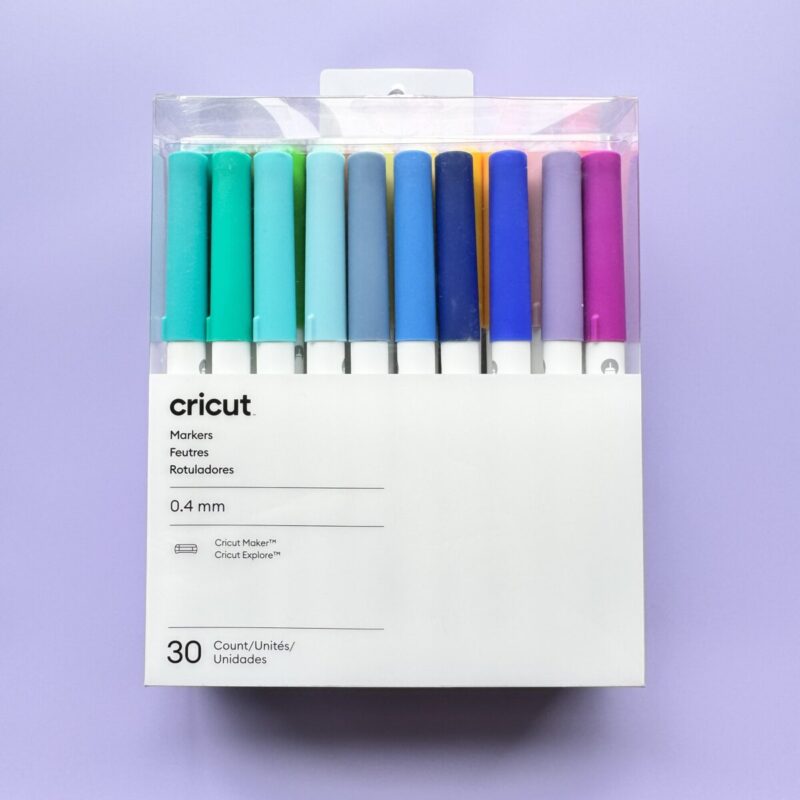
Buy on Cricut.com - Cricut Pens Available for different machines (Standard, Joy, and Venture). These elevate projects with custom writing and drawing. If your handwriting isn’t the best (like mine!), let your Cricut do the writing for you.
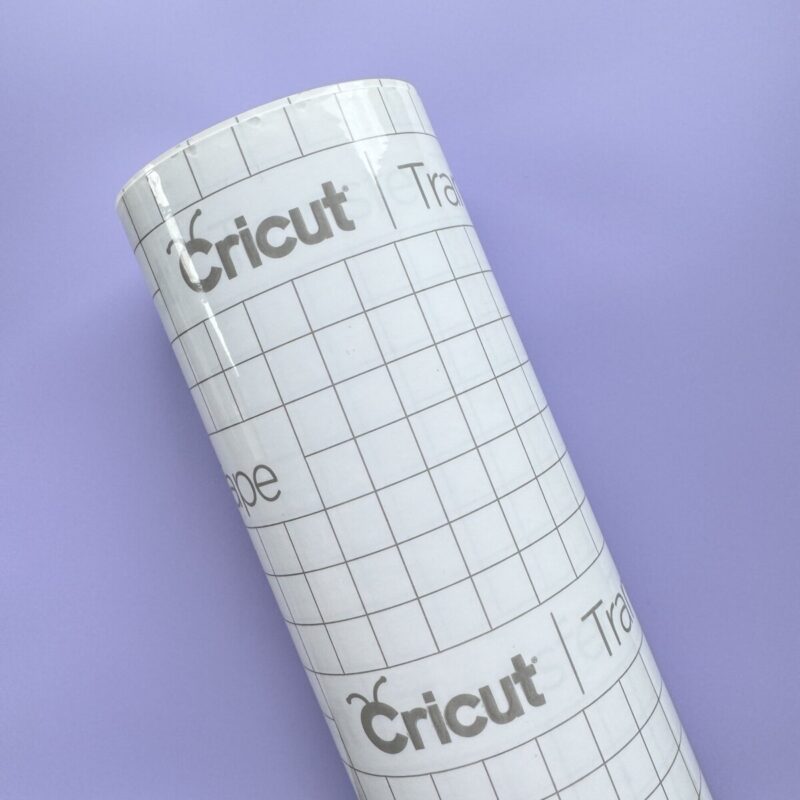
Buy on Cricut.com - Transfer Tape A must-have for transferring vinyl designs without losing placement. I prefer clear transfer tape with a grid for perfect alignment.
Buy on Cricut.com
Find these tools in our Amazon Storefront here!
Wish List Worthy Tools
Once you own a Cricut, the possibilities for crafting are endless—so is the list of tools you’ll want to add to your wishlist! Whether it’s for birthdays, Christmas, Mother’s Day, Valentine’s Day, or just because, these are the tools you may not need right away, but you’ll definitely be happy to have.
Some of the tools on this list are specific to certain projects (like the Cricut Card Mat or the Engraving Tool), but trust me—those projects are so incredible that you’ll want to try them! So when loved ones ask what they can get you, hand them this list!
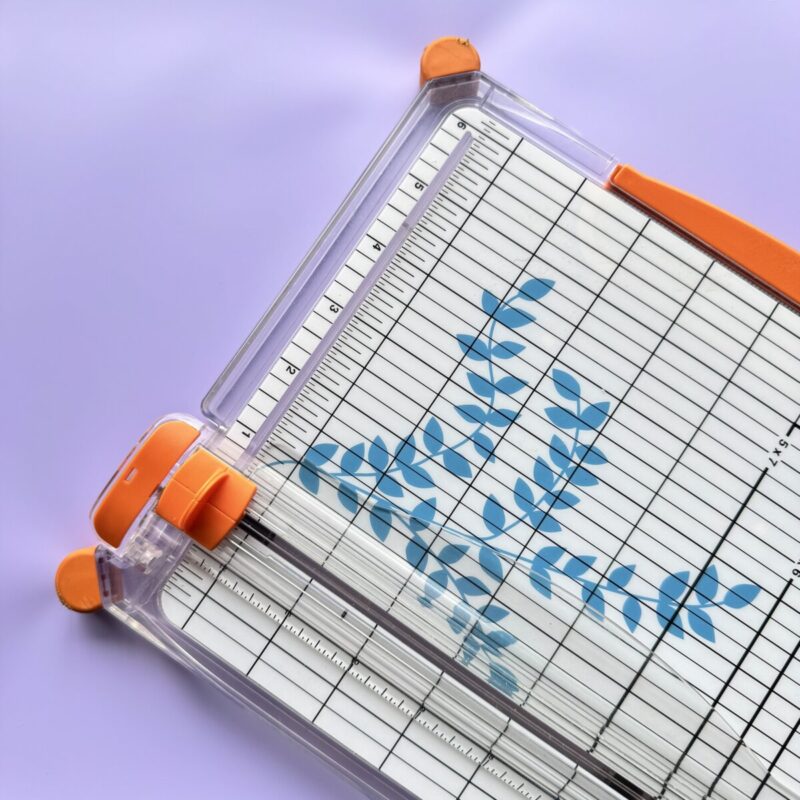
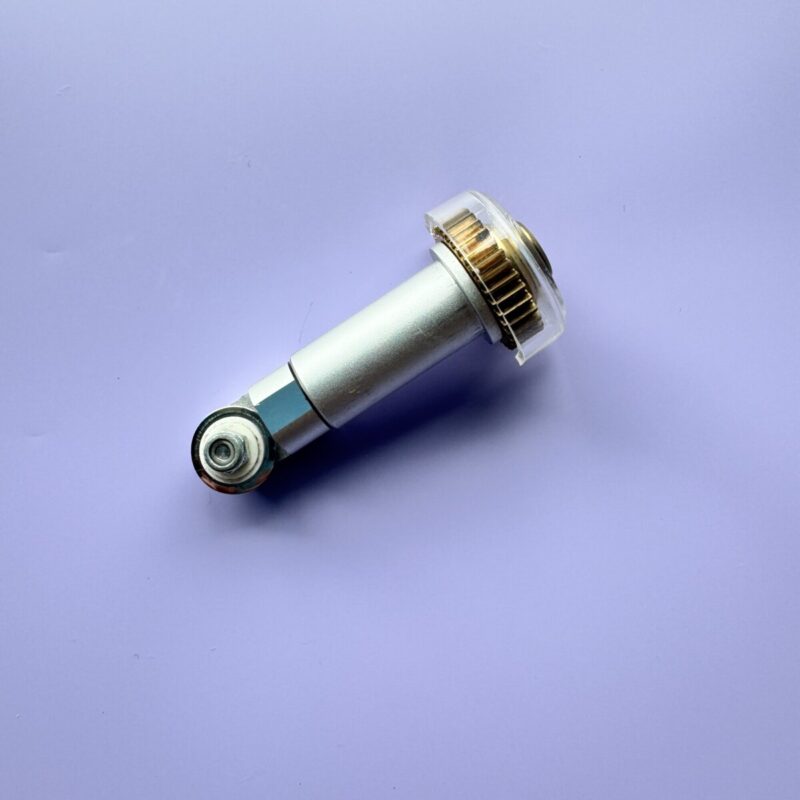
- Portable Trimmer – Makes it easy to cut materials to size before placing them on a mat. If cutting straight lines freehand is a challenge, this tool is a lifesaver.
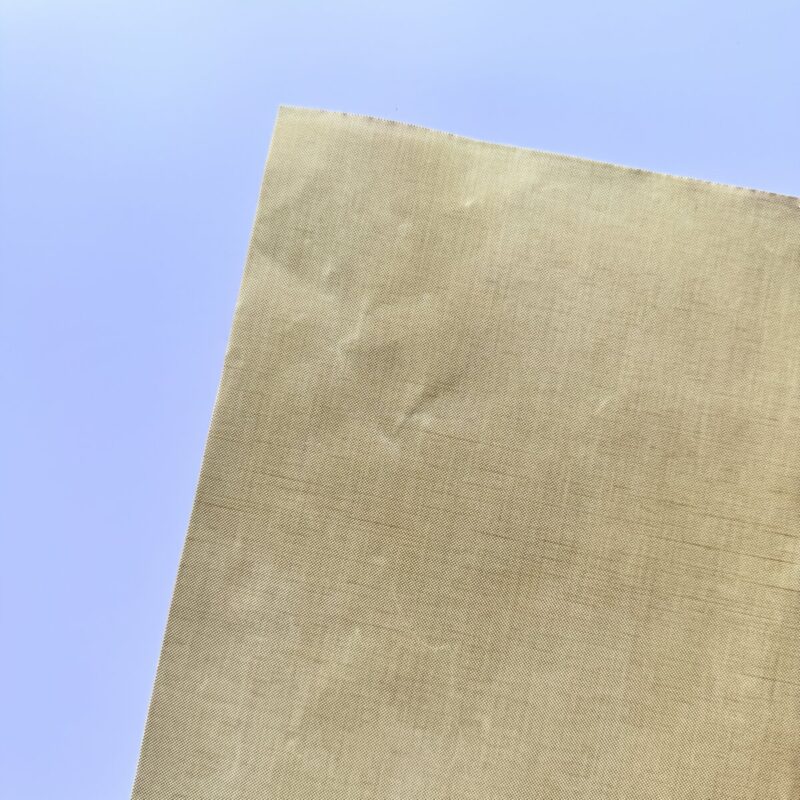
Buy on Cricut.com - Teflon Sheets – Protect your projects and EasyPress from excess heat and ink transfer. These are especially useful for layering iron-on vinyl so that you don’t scorch your HTV.
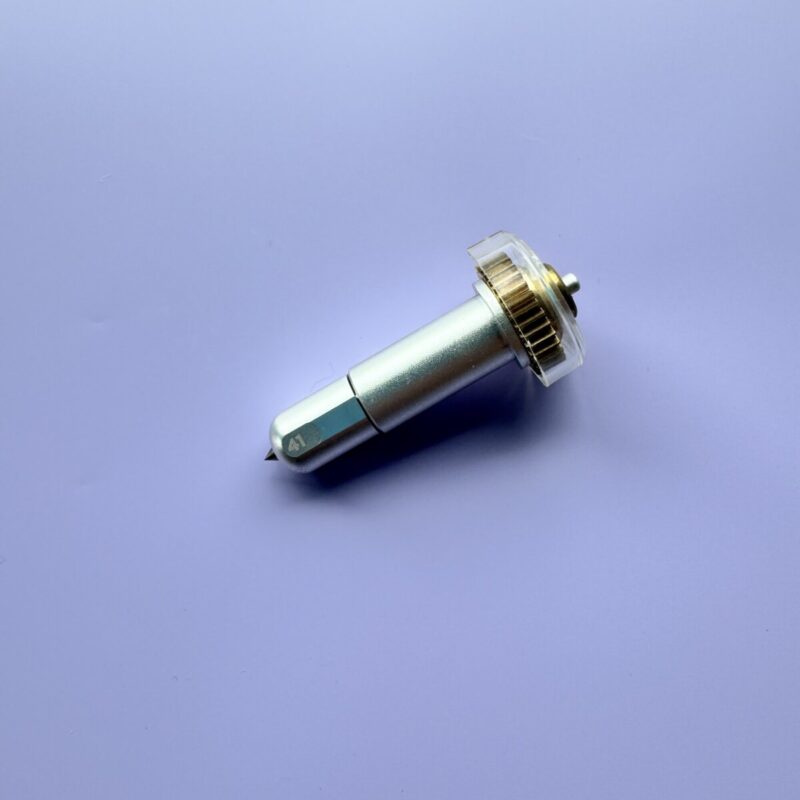
Buy on Amazon - Engraving Tool – My favorite Cricut Maker adaptive tool! It engraves metal, acrylic, and leather for personalized jewelry, keychains, and more. If you want to start experimenting with Cricut Maker adaptive tools, let this be the one you start with. (Cricut Maker only.)
Buy on Cricut.com - Rotary Blade – A must for sewing projects! Perfect for cutting fabric, felt, and even leather with precision. One of my top 2 favorite Cricut adaptive tools. (Cricut Maker only.)
Buy on Cricut.com
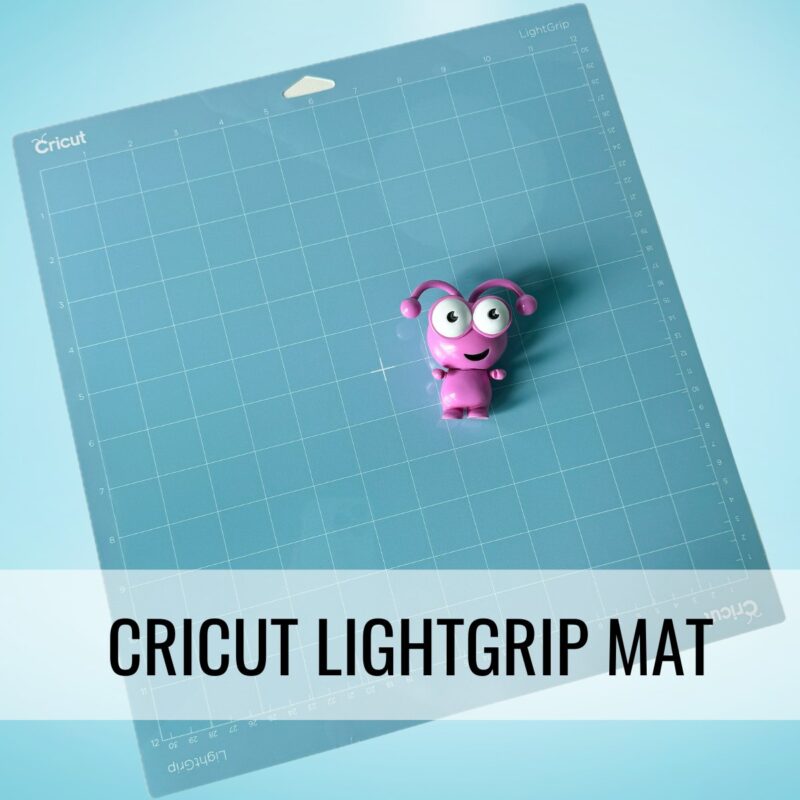
- LightGrip Cutting Mat – If you love paper crafting, this mat is essential for delicate materials like vellum and paper.
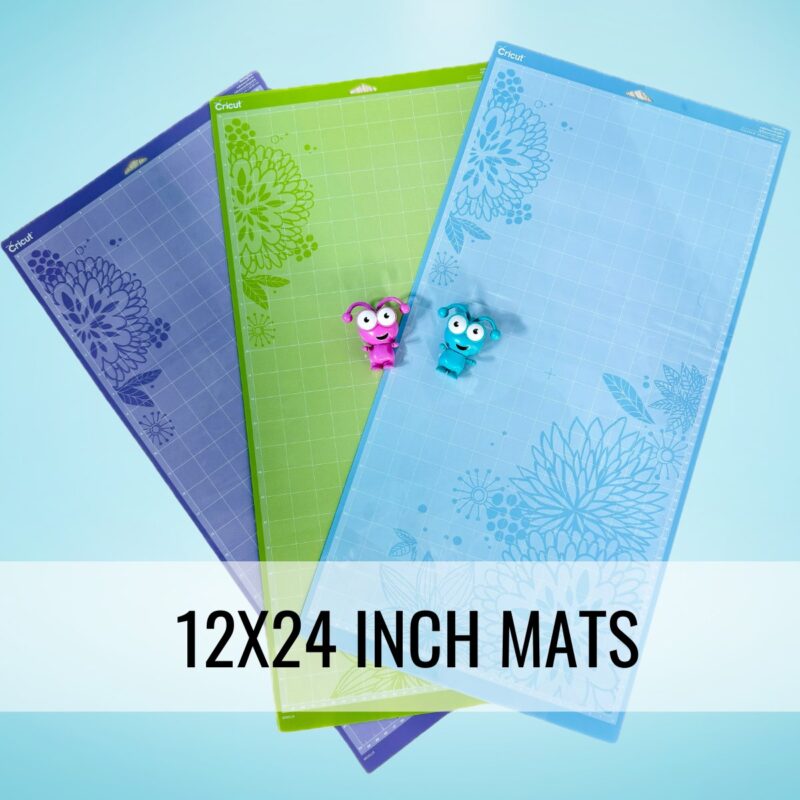
Buy on Cricut.com - 12×24 Inch Cutting Mats – Ideal for larger projects or when cutting multiple designs in one go.
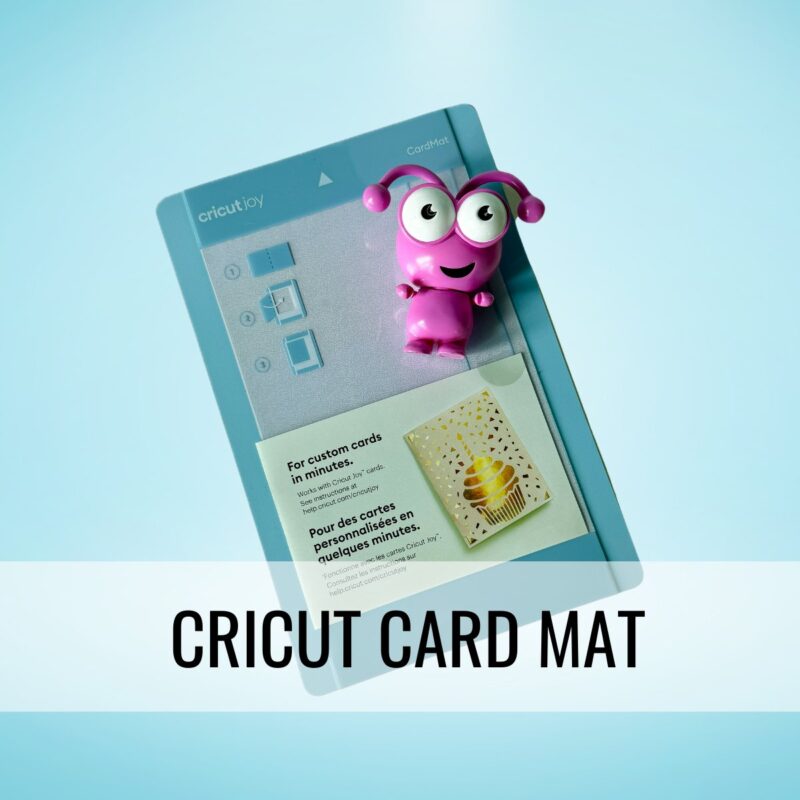
Buy on Cricut.com - Cricut Card Mat– Makes creating custom greeting cards quick and easy. Its dual-layer design allows you to cut designs on the front while keeping the back intact. Available for Cricut Joy (single-card) and Maker/Explore (2×2, cuts up to four cards at once). Perfect for birthdays, holidays, and special occasions.
Buy on Cricut.com
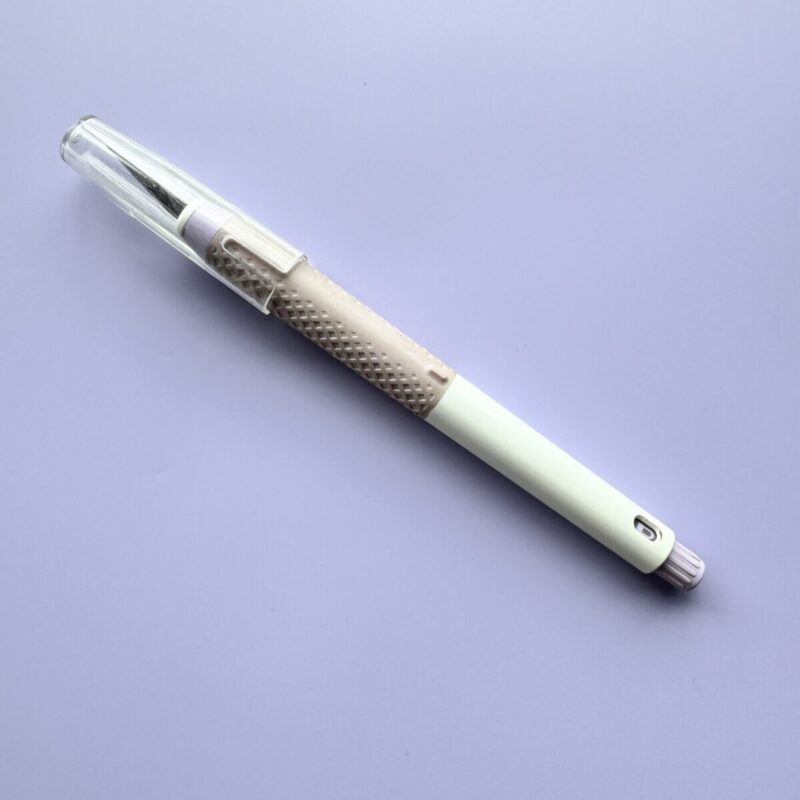
- Cricut TrueControl Knife– A precision craft knife with an ergonomic, no-roll design and a secure blade-lock system for safer, more controlled cutting. Ideal for freehand cutting on paper, vinyl, and fabric, with easy, touch-free blade changes.
Buy on Cricut.com - Pressing Mat – Provides a firm, even surface for heat transfers when using a Cricut EasyPress.
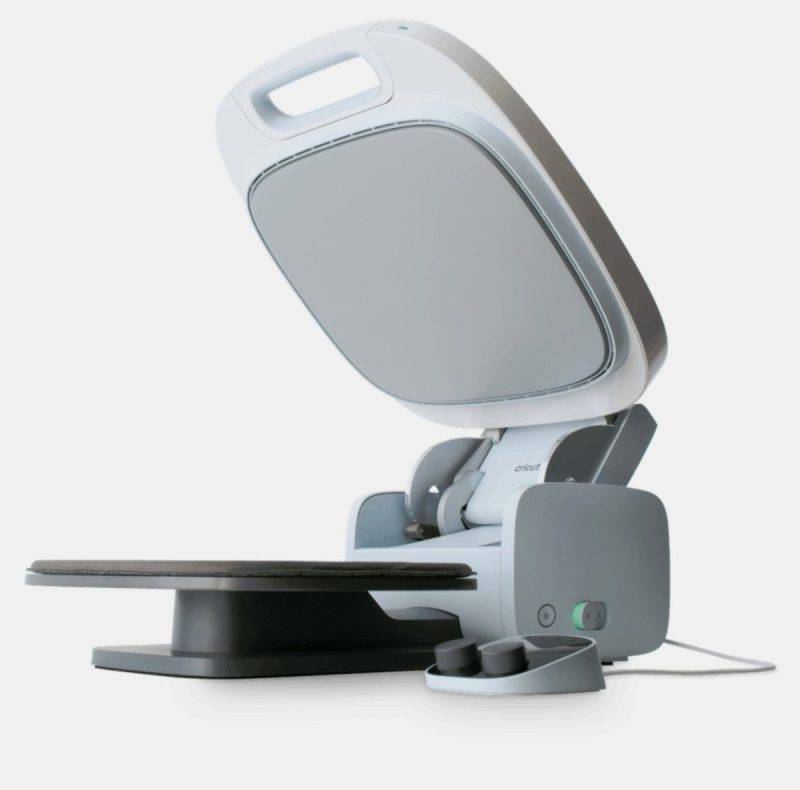
Buy on Cricut.com - Cricut AutoPress – A professional-grade heat press for batch crafting or hands-free pressing. If you’re doing high-volume iron-on projects, this is a game changer.
Buy on Cricut.com
Find these tools in our Amazon Storefront here!
Tools Only Needed for Specific Projects
Did you know the Cricut Maker can cut over 300 different materials? That means there are so many possibilities, but not every crafter needs every tool. The items on this list are fantastic but might not be necessary for everyone, depending on the types of projects you want to create.
Think about the materials and projects that excite you most, then check this list to see which tools will help bring your dream projects to life!
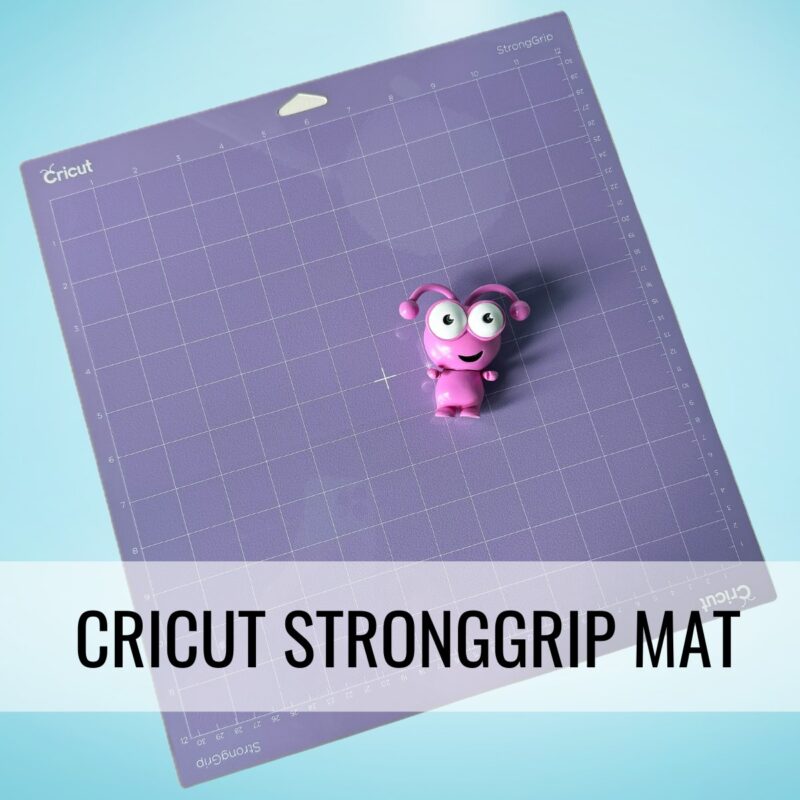
- StrongGrip Cutting Mat – Best for heavy materials like leather, chipboard, and balsa wood.
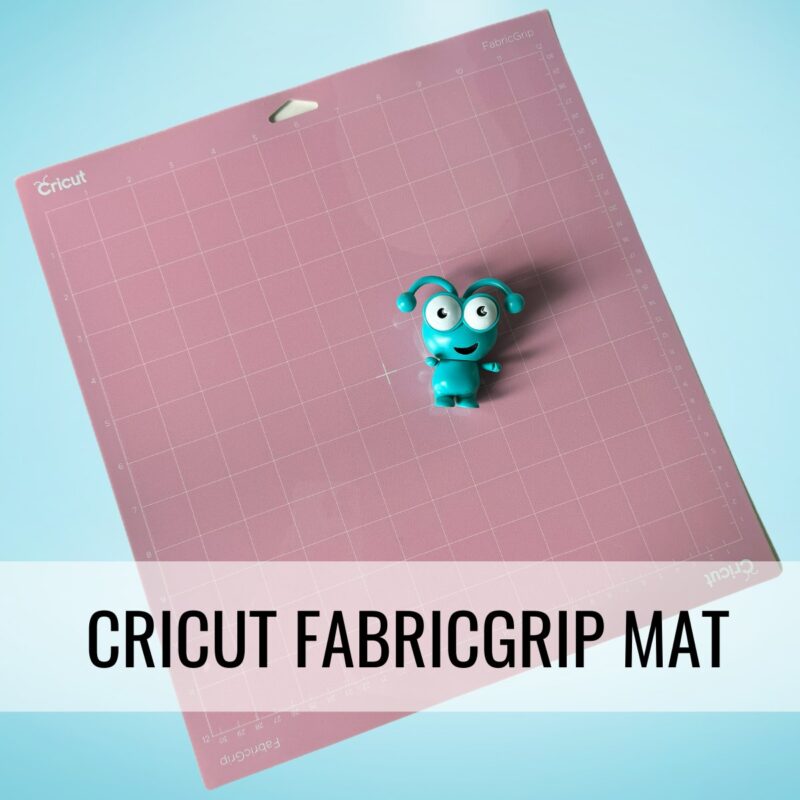
Buy on Cricut.com - FabricGrip Cutting Mat – Designed for fabric projects when using the Rotary Blade.
Buy on Cricut.com - Heat-Resistant Tape – Holds materials in place during Infusible Ink or sublimation projects.
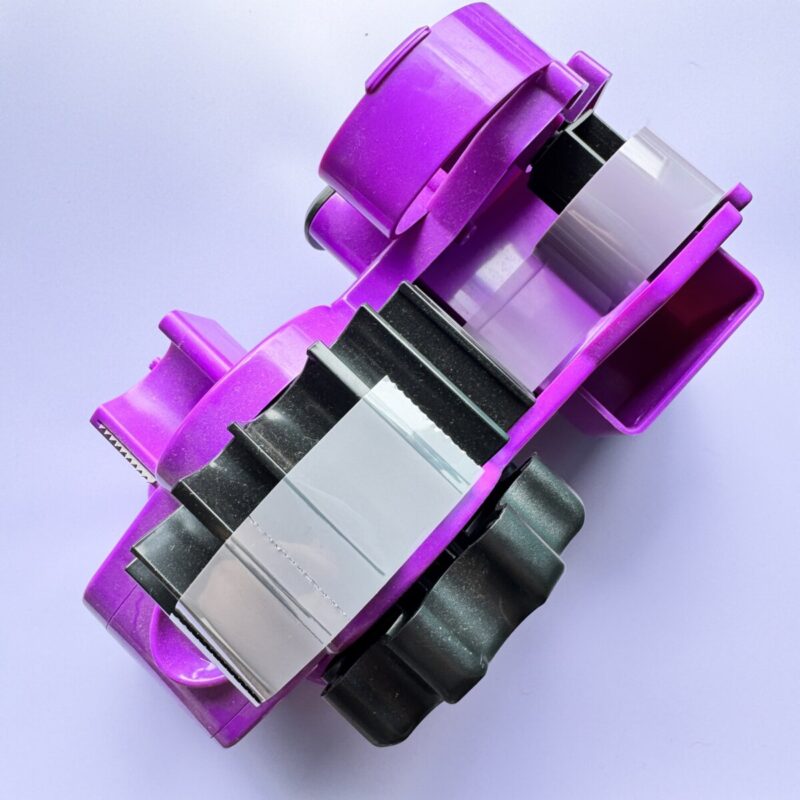
Buy on Cricut.com - Sublimation Tape Dispenser – This game-changing dispenser pre-cuts your tape with a simple turn of the handle, allowing for one-handed use—a lifesaver when working on sublimation and heat transfer projects! It also helps keep your heat-resistant tape separate from regular tape so you’ll never get them confused, keeping your workspace organized and efficient. A must-have for any crafter working with Infusible Ink, sublimation, or HTV layering.
Buy on Amazon - Knife Blade – Used for deep cuts in wood, chipboard, and thick leather. (Cricut Maker only.)
Buy on Cricut.com
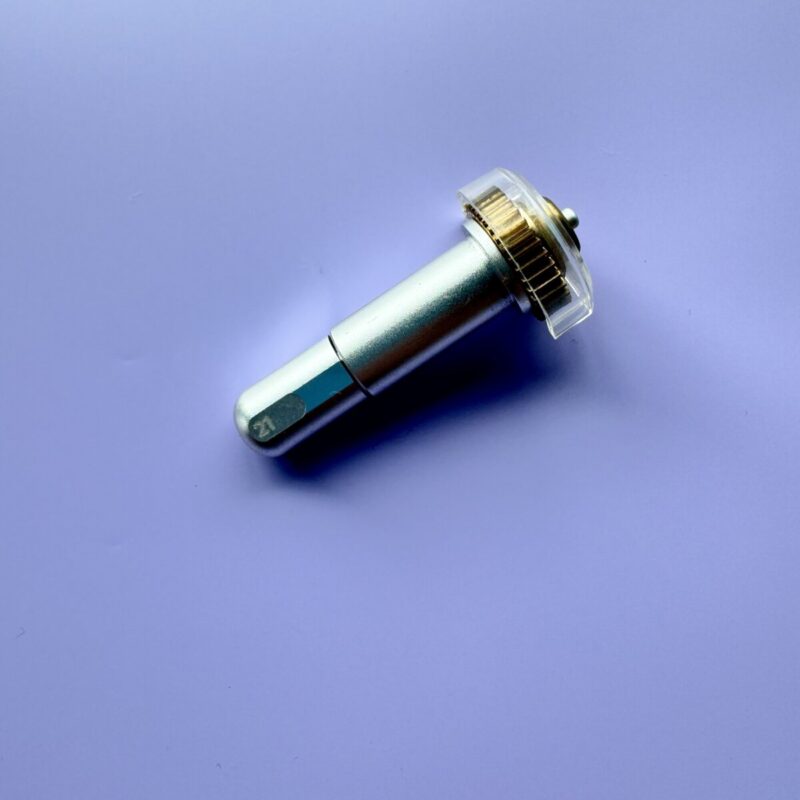
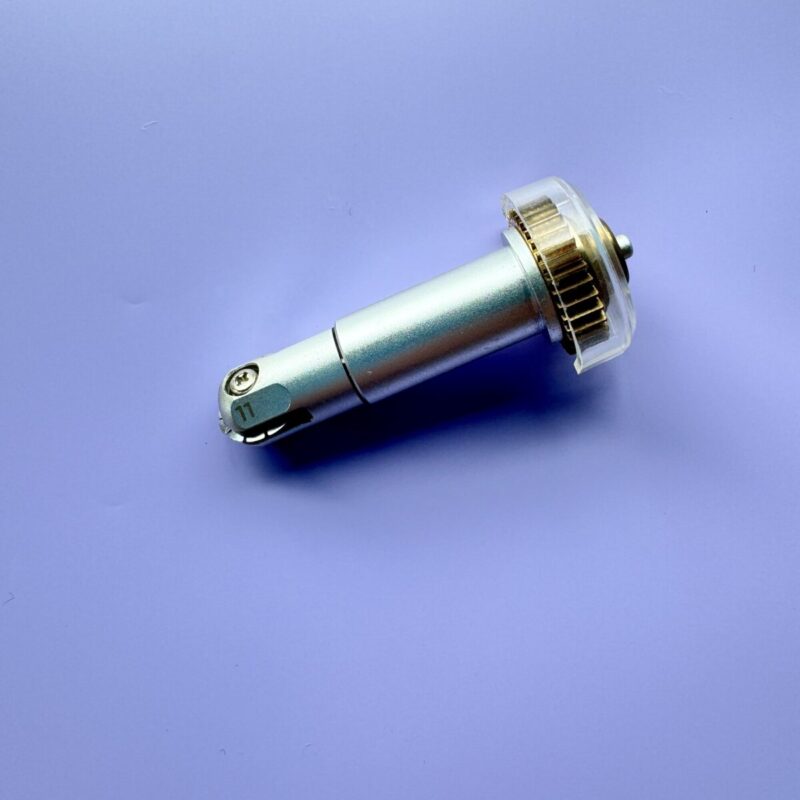
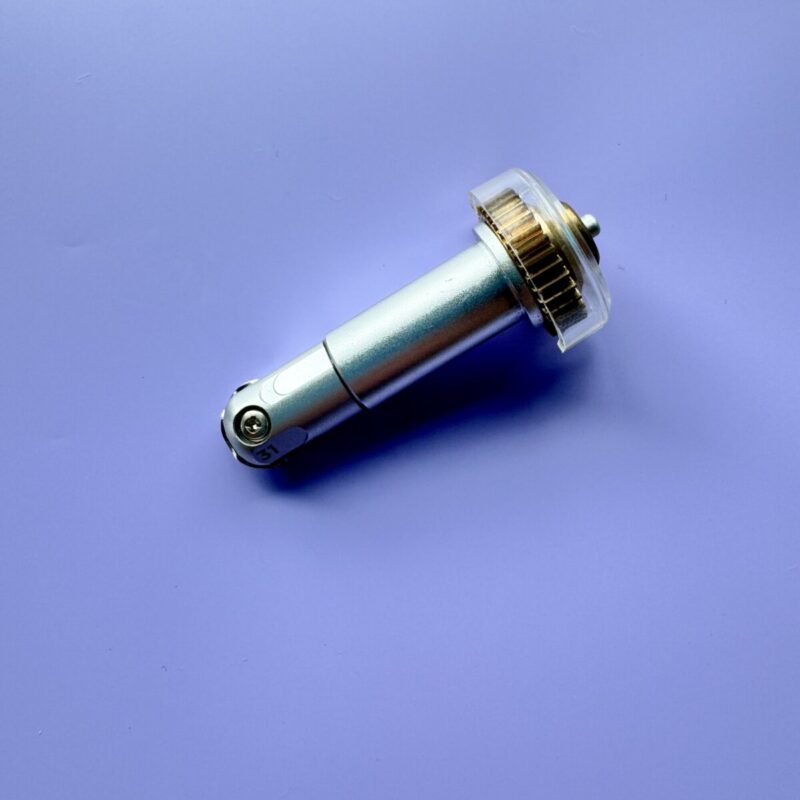
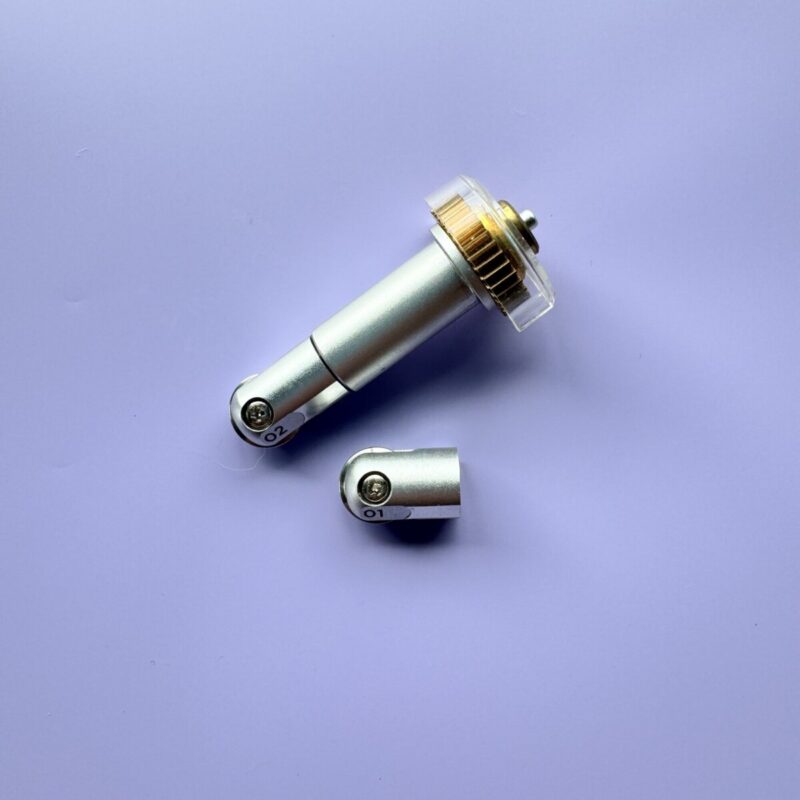
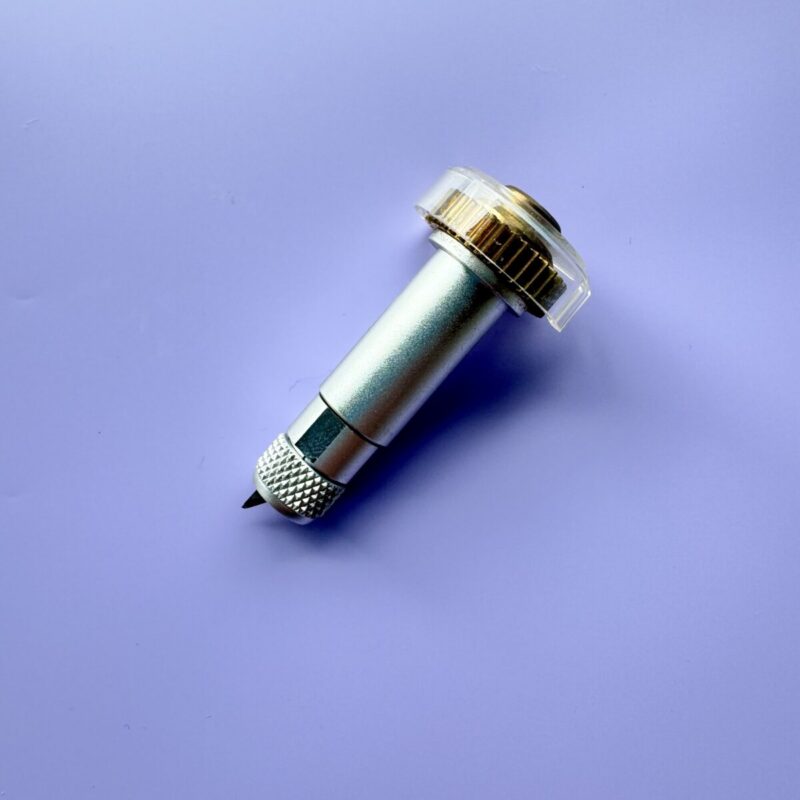
- Debossing Tool – Creates elegant raised designs on cardstock. (Cricut Maker only.)
Buy on Cricut.com - Perforation Blade – Adds tear-away edges, perfect for raffle tickets, coupon books or journal pages. (Cricut Maker only.)
Buy on Cricut.com - Wavy Blade – Adds decorative edges to paper, vinyl, and more. (Cricut Maker only.)
Buy on Cricut.com - Single Scoring Wheel – Creates fold lines for thinner materials. (Cricut Maker only.)
Buy on Cricut.com - Double Scoring Wheel – Creates deeper fold lines for thick materials. (Cricut Maker only.)
Buy on Cricut.com
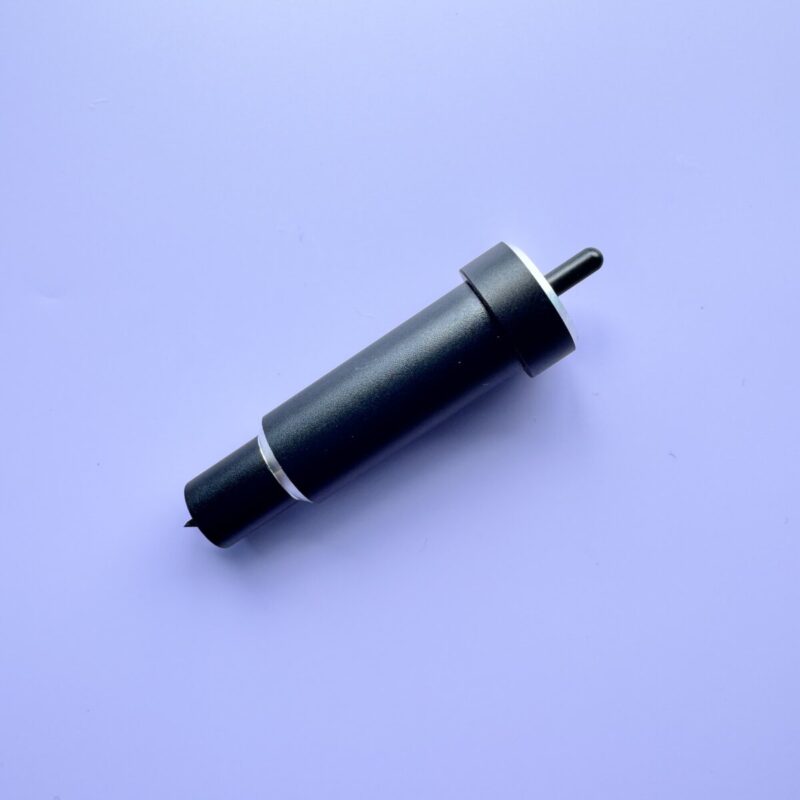
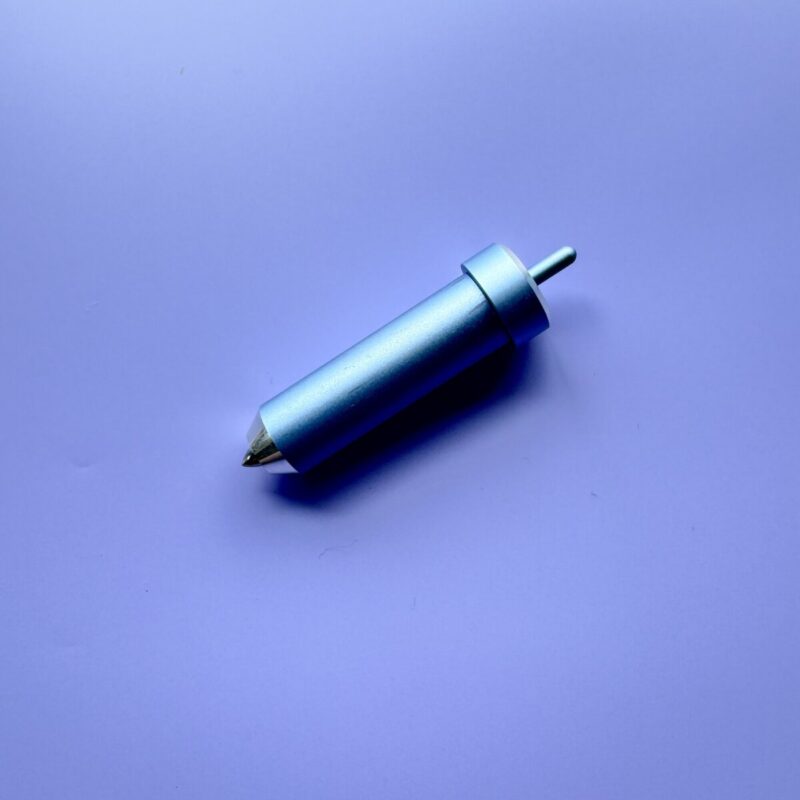
- Deep-Point Blade – Ideal for cutting thick materials like craft foam and magnet sheets.
Buy on Cricut.com - Bonded Fabric Blade – For cutting bonded fabrics (Cricut Maker and Explore series.)
Buy on Cricut.com - Foil Transfer Tool Adds foil embellishments to paper and cardstock projects.
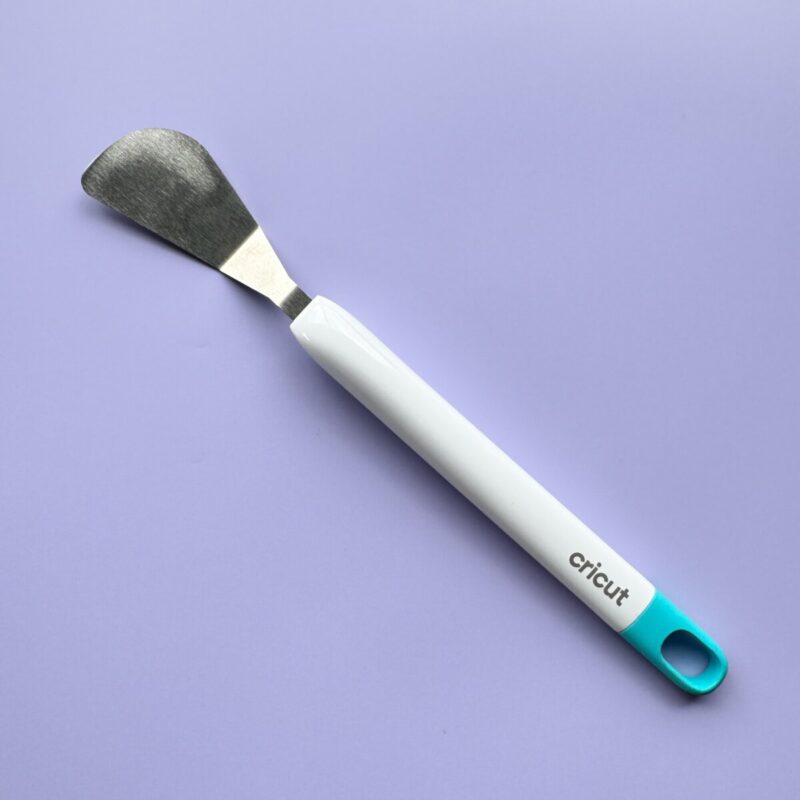
Buy on Cricut.com - Spatula – Helps lift delicate designs from the mat without tearing.
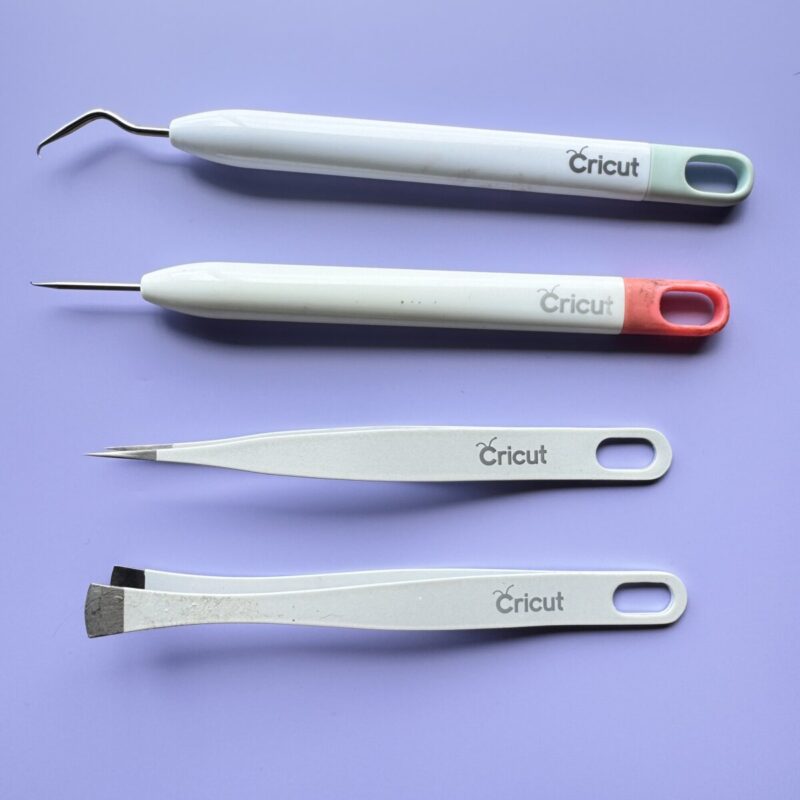
Buy on Cricut.com - Extra Weeding Tools – Various hooks, tweezers, and picks for precision weeding.
Buy on Cricut.com
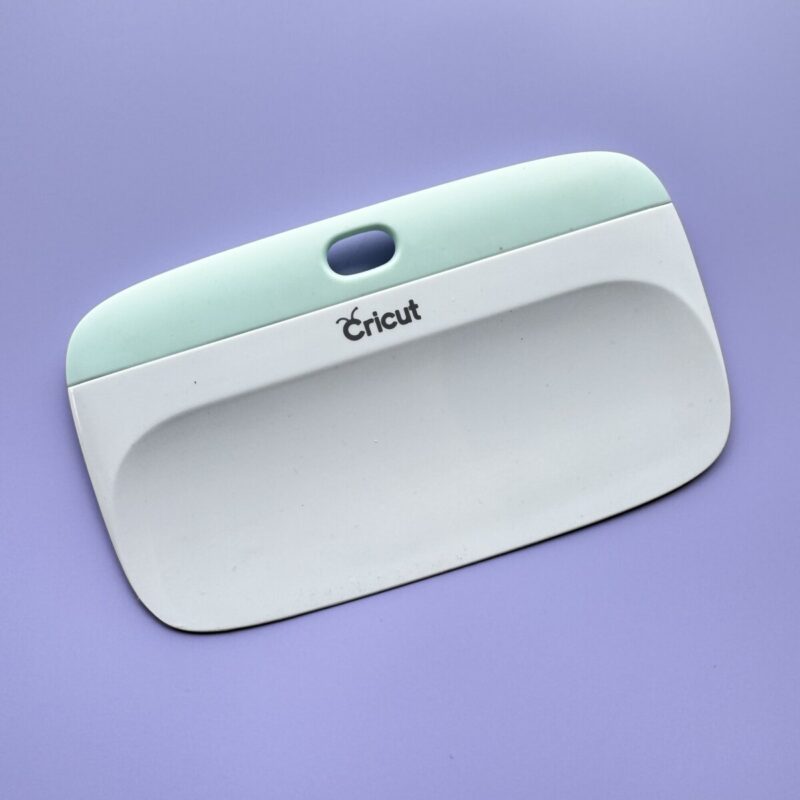
- XL Scraper – Speeds up cleaning mats and applying vinyl over large surfaces.
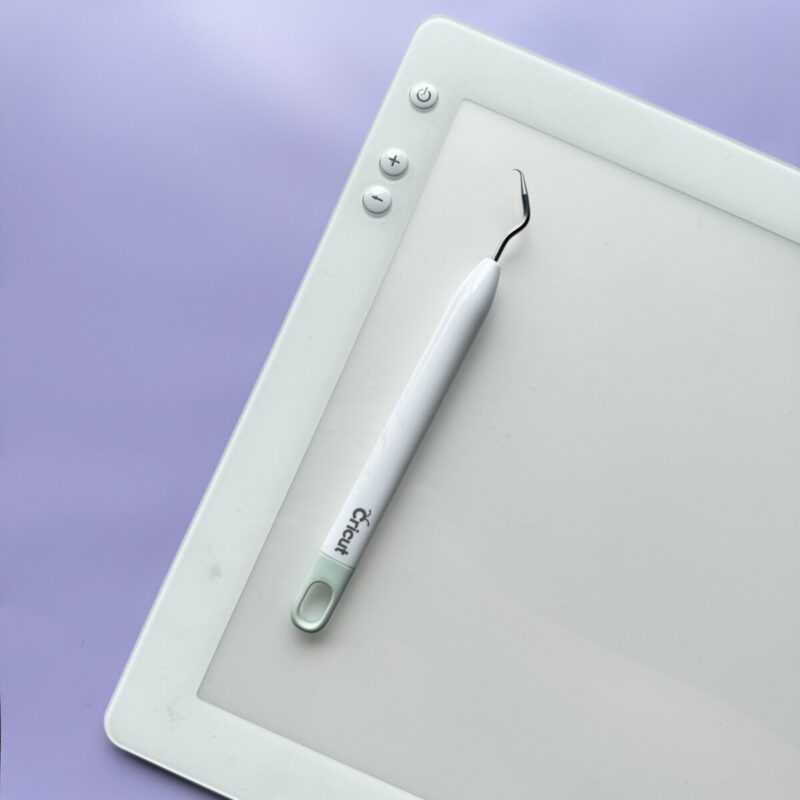
Buy on Cricut.com - Cricut BrightPad – A light pad that makes weeding intricate designs easier.
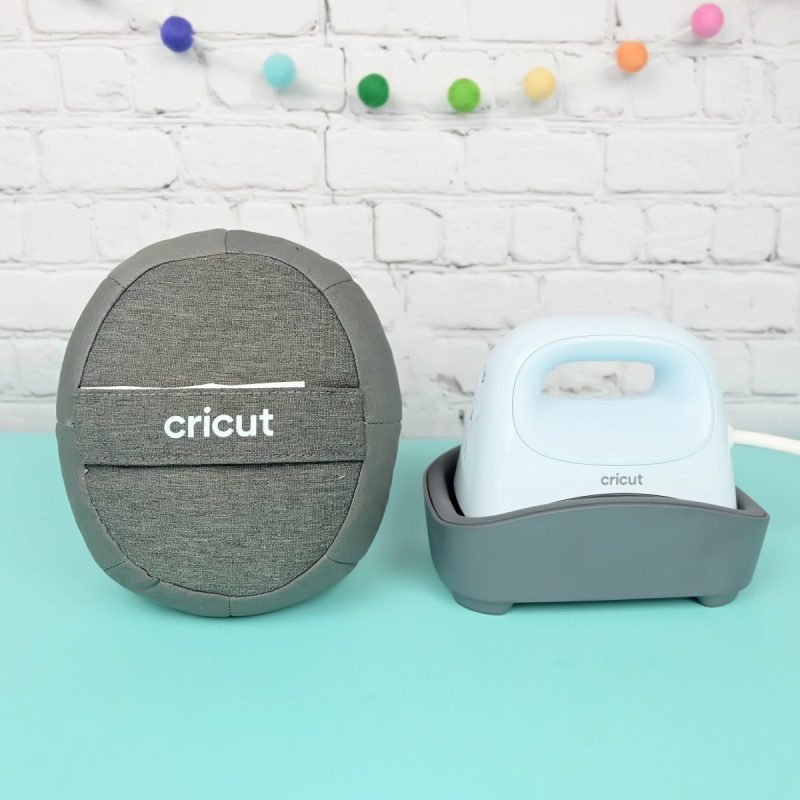
Buy on Cricut.com - Cricut Hat Press – Specialized for heat pressing HTV and Infusible Ink designs onto hats.
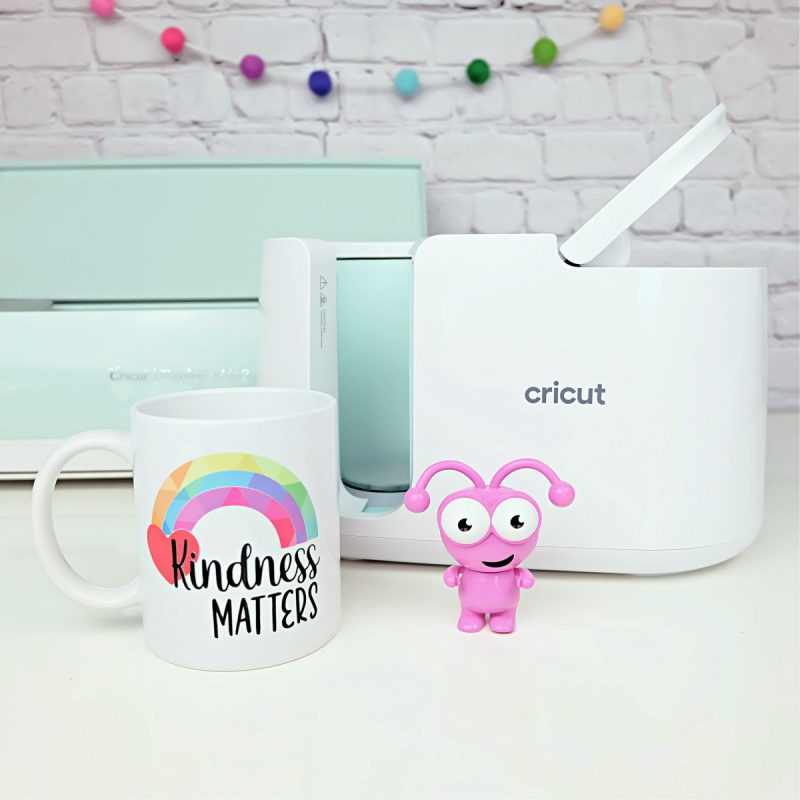
Buy on Cricut.com - Cricut Mug Press – Perfect for making customized mugs with Infusible Ink.
Buy on Cricut.com - Cricut EasyPress Mini – A small, compact heat press great for small areas or details.
Buy on Cricut.com
Find these tools in our Amazon Storefront here!
Cricut Tool FAQs
- Do I really need a weeding tool, or can I use household items?
- A weeding tool is designed specifically for removing vinyl and HTV with precision. While some people use safety pins or tweezers, a dedicated weeding tool makes the process much easier and faster, especially for intricate designs. If you craft regularly with vinyl or HTV, investing in a quality weeding tool is highly recommended.
- How often should I replace my Cricut blades?
- The frequency depends on how often you craft and the materials you cut. If you notice rough edges, tearing, or incomplete cuts, it’s time to replace the blade. A good trick is to designate separate blades for paper and vinyl/HTV, as cutting paper dulls blades more quickly. Keeping a few extra blades on hand ensures you’re never stuck mid-project with a dull one!
- What’s the difference between a brayer and a scraper?
- A brayer helps roll materials onto the mat for better adhesion, ensuring a firm bond without air bubbles. A scraper, on the other hand, applies more pressure and is used for transferring vinyl or cleaning mats. If you’re working with delicate materials like paper or fabric, a brayer is the gentler option, while a scraper is ideal for tougher applications.
- Can I use third-party tools with my Cricut machine?
- Some third-party tools work well, but Cricut-branded tools are specifically designed for compatibility and optimal performance. If you’re looking at third-party options, read reviews carefully to ensure they function properly with your machine. Some budget-friendly alternatives can be great, but for precision cuts and reliability, Cricut tools tend to perform best. Additionally, some third-party tools may void your Cricut warranty, so make sure to check Cricut’s official policy before using them.
- Do I need a Cricut BrightPad for weeding intricate designs?
- While not essential, the BrightPad illuminates cut lines, making intricate weeding much easier. If you frequently work with highly detailed vinyl designs or have trouble seeing fine details, a BrightPad can be a game-changer. It’s especially useful when working with glitter vinyl, which can be notoriously difficult to weed.
- Is the Cricut EasyPress worth it, or can I use an iron?
- While an iron can work for small projects, the EasyPress provides even heat distribution and precise temperature control, leading to better results for iron-on and Infusible Ink projects. Unlike household irons, which have uneven heat plates with holes for steam, the EasyPress has a completely flat surface for consistent pressure and heat. Additionally, you can set an EasyPress to the exact temperature needed for each type of HTV material, ensuring long-lasting and professional-quality transfers.
Which Cricut Tools Are Your Favorites?
Choosing the right Cricut tools can feel overwhelming at first, but with the right accessories, you’ll be crafting with confidence in no time! Whether you’re starting with the essentials, adding wishlist-worthy tools, or diving into specialized projects, having the right tools makes all the difference.
I hope this guide has helped you understand which tools are must-haves and which ones you can add to your collection over time. Remember, the best tools are the ones that help bring your creative vision to life!
What are your favorite Cricut tools? Did I miss any that you love? Let me know in the comments!
If you liked this post I’d love for you to pin it to Pinterest. Not only will it help you find this post if you need it in the future, it will also help others find us so that we can continue bringing you fabulous Cricut content!