


10 Cricut Weeding Tips For Vinyl and HTV
This post and the photos within it may contain Amazon or other affiliate links. If you purchase something through the link, I may receive a small commission at no extra charge to you.
Struggling with weeding HTV and Vinyl? Try these Cricut weeding tips for easy vinyl & HTV projects. From beginner weeding techniques to pro-level hacks, we’ve got you covered! After you read this guide you’ll know how to weed vinyl and HTV with ease!
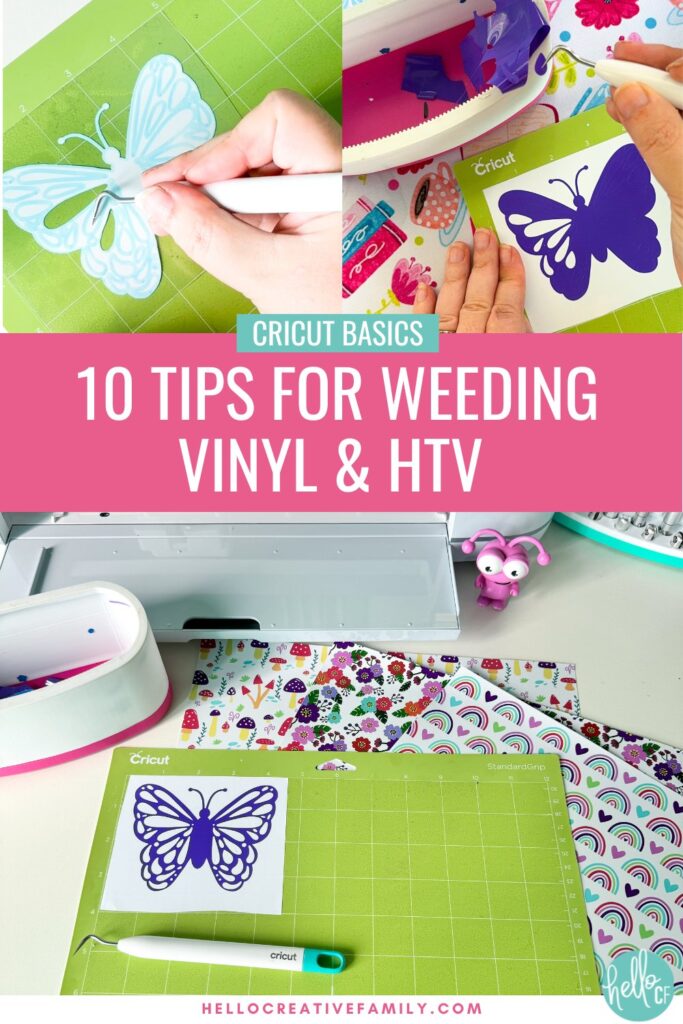
Hey Cricut crafting friends! If you’ve been Cricut crafting for long, most likely you’ve come across the wonderful (and sometimes tedious) task of weeding vinyl and heat transfer vinyl (HTV).
I find most crafters fall into one of two camps. Some people find weeding calming and therapeutic… others find it stressful and anxiety inducing.
If you fall into the second group, this post is for you!
For beginners, weeding can feel like an overwhelming task, but with a few vinyl weeding hacks, you can take it from frustrating to fun!
Today, I’m sharing my top 10 tips for weeding vinyl and HTV, making sure you become a pro in no time. Whether you have a Cricut Maker, Cricut Explore, Cricut Joy, Cricut Joy Xtra or Cricut Venture you are going to love these tips!
So grab your Cricut weeding tool, pour a cup of tea, and let’s make vinyl weeding your favorite part of crafting (or at least not your least favorite)!
I would love to see you at Cricut Craft Club where I share hacks like you’ll find in this post, along with a ton of other valuable Cricut information and Cricut craft ideas!
10 Easy Cricut Weeding Hacks You’ll Love
1. Use a Light Box or Bright Pad
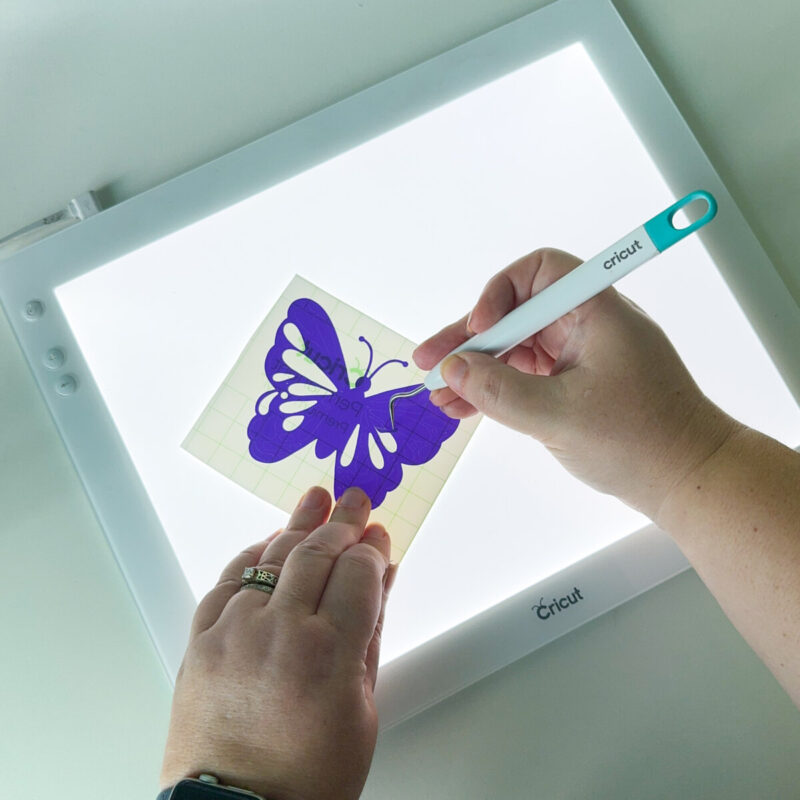
When working with intricate designs, it can be hard to see the fine cut lines. A light box or Cricut BrightPad can make the process so much easier.
By placing your adhesive vinyl or HTV on a bright light source from below, the cut lines are illuminated and become more visible, making it easier to spot where you need to weed. This is especially helpful with darker vinyl colors where the cuts can be tough to see.
You’ll be surprised how much easier weeding becomes when you can actually see what you’re doing!
2. Use Good Lighting and Magnification
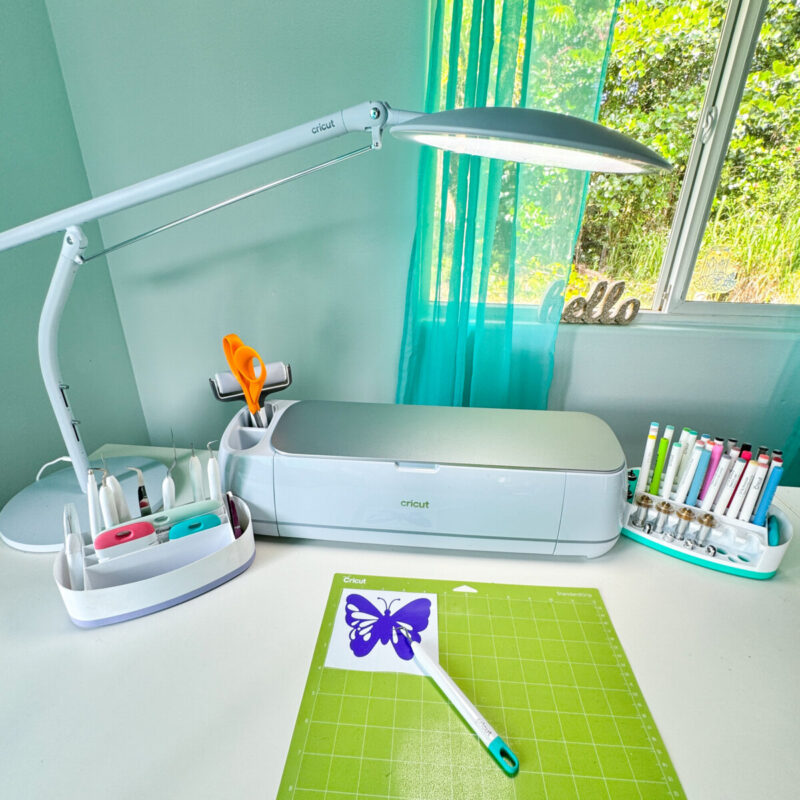
Weeding small or intricate vinyl designs can be tough on the eyes, especially when working with most intricate cuts and fine details. Make sure you’re working in a well-lit area, I love using the Cricut Bright360 to light my work area for weeding.
You may also want to consider using a magnifying lamp or a pair of magnifying glasses. This will help you see the cuts more clearly, making the weeding process easier and more precise. Proper lighting and magnification can really cut down on mistakes!
3. Start From the Corner
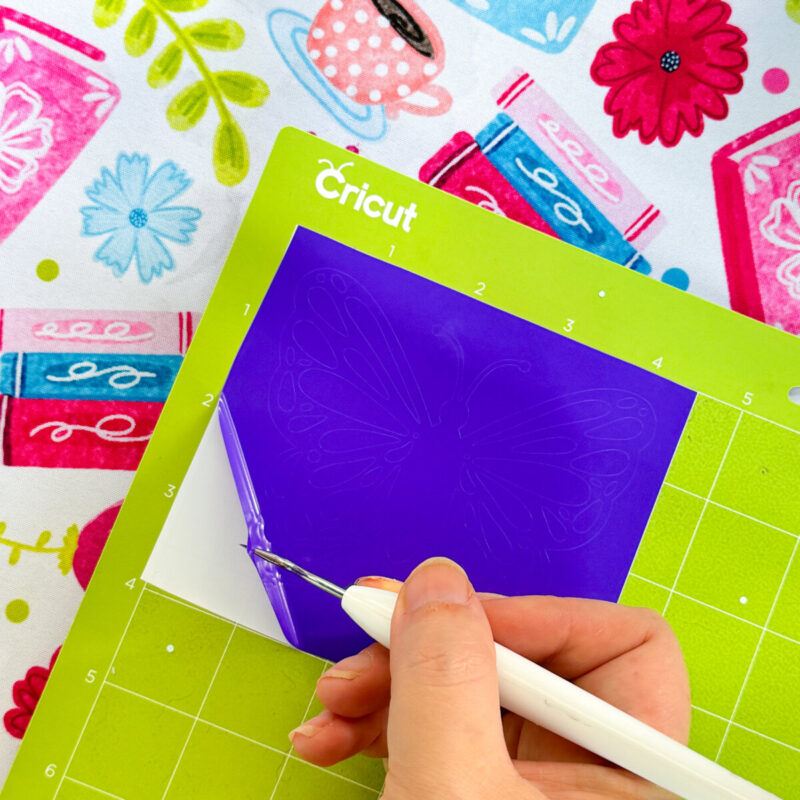
The best way to weed Cricut vinyl or HTV is to start at one of the outer corners.
Gently lift the vinyl with your Cricut weeding tool or a craft knife and slowly peel it back. By working from the edges, you reduce the risk of accidentally pulling up tiny, delicate details.
4. Cut Away Excess Vinyl
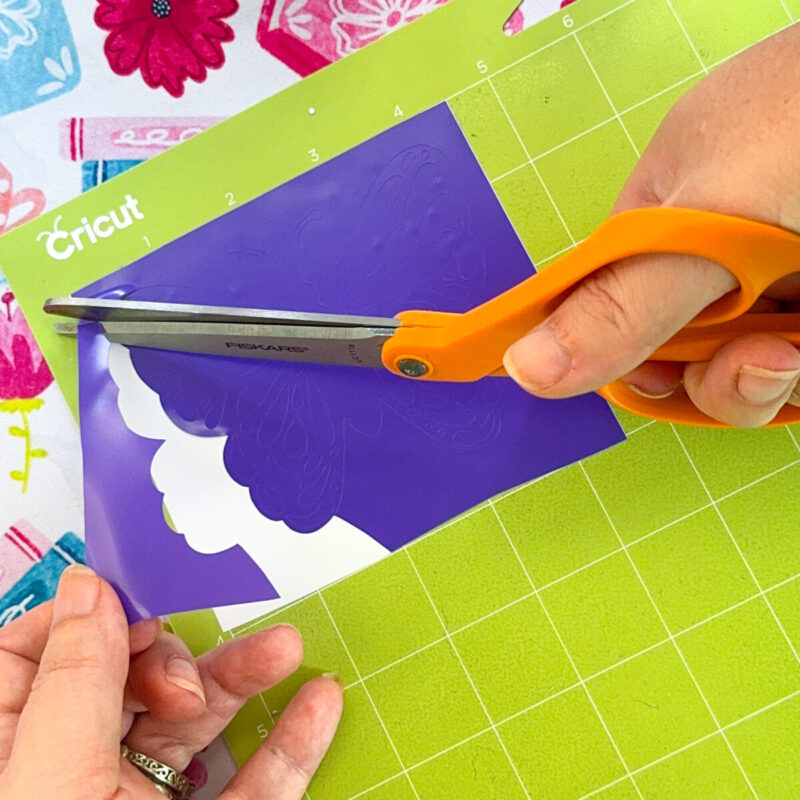
There is nothing worse than weeding a large project and having some of the vinyl you’ve already pulled up, stick to your design and tear it.
Keep a pair of scissors handy to cut away large excess pieces of vinyl as you go to prevent them from sticking back to your design.
5. Use a Sticky Surface or Vinyl Scrap Collector for Waste Vinyl
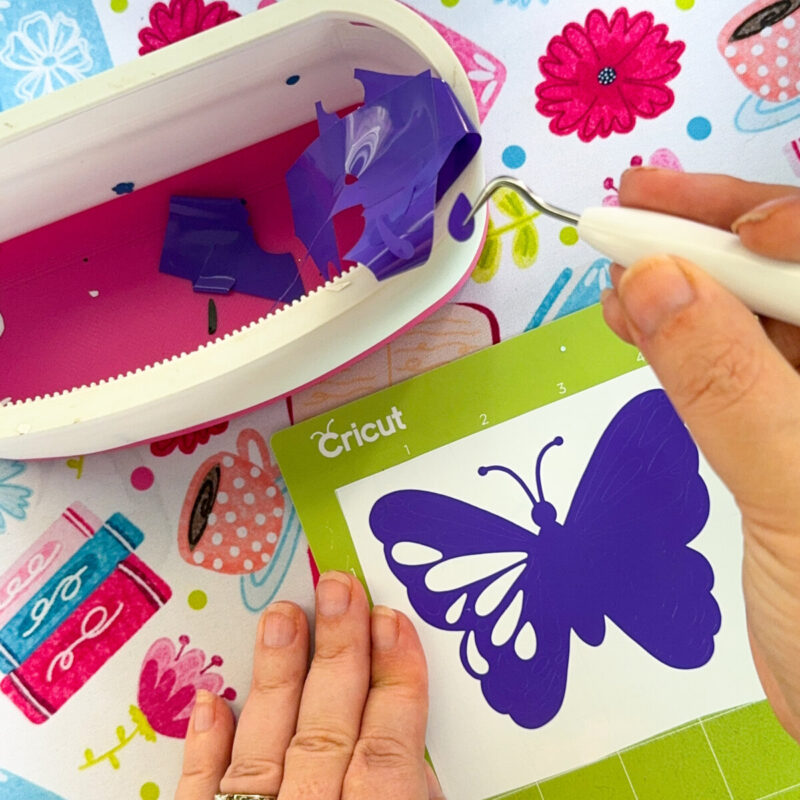
Weeding can quickly get messy if small bits of vinyl or HTV end up everywhere. Have a piece of scrap vinyl or transfer tape on hand to stick your waste vinyl to as you weed.
I also like having a Vinyl Scrap Collector for collecting larger pieces of vinyl. This keeps your workspace organized and prevents tiny pieces from reattaching to your project, which is especially important with intricate designs.
6. Keep Your Vinyl on the Mat
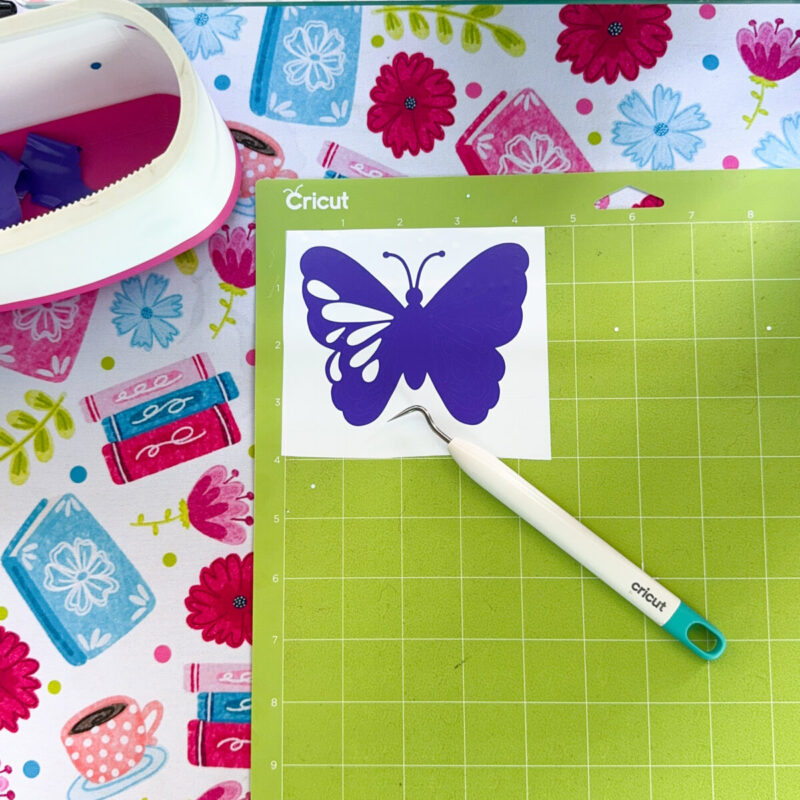
Here’s a beginner weeding tip for Cricut users: keep your project on the cutting mat while you weed. This keeps your vinyl or HTV stable and prevents it from shifting around as you work.
It’s particularly helpful for larger projects or those with intricate details. Your Cricut mat will act as an extra pair of hands!
7. Reverse Weeding for Small Letters or Detailed Designs
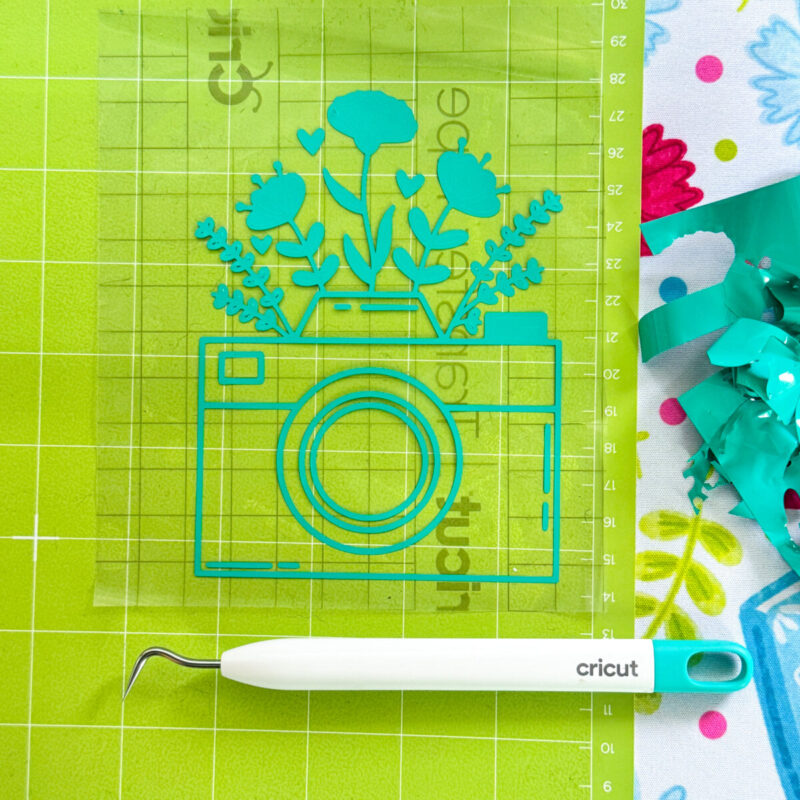
Ever tried to weed small text, fine lines, or an extremely detailed design only to end up losing pieces of your deisng? Reverse weeding is a lifesaver for these situations!
Reverse weeding vinyl is similar to weeding HTV. When you weed HTV you weed your design on the clear plastic carrier sheet. With reverse weeding your transfer sheet is going to be like your carrier sheet.
Simply apply transfer tape to your vinyl before you weed, peel the full piece of vinyl off of the paper backing and then weed your design on the transfer tape. You will be weeding your design mirrored the way you would with HTV. Peel away the negative space while the letters or small elements stay stuck to the transfer tape. Then transfer your design using the transfer tape as usual.
This technique is especially useful for tiny fonts, ensuring your designs stay intact.
Pro Tip: Do your reverse weeding on your Cricut Cutting Mat so that your transfer tape is more stable and doesn’t slide around.
Find my full post on Reverse Weeding here!
8. Use a Lint Roller or Painters Tape
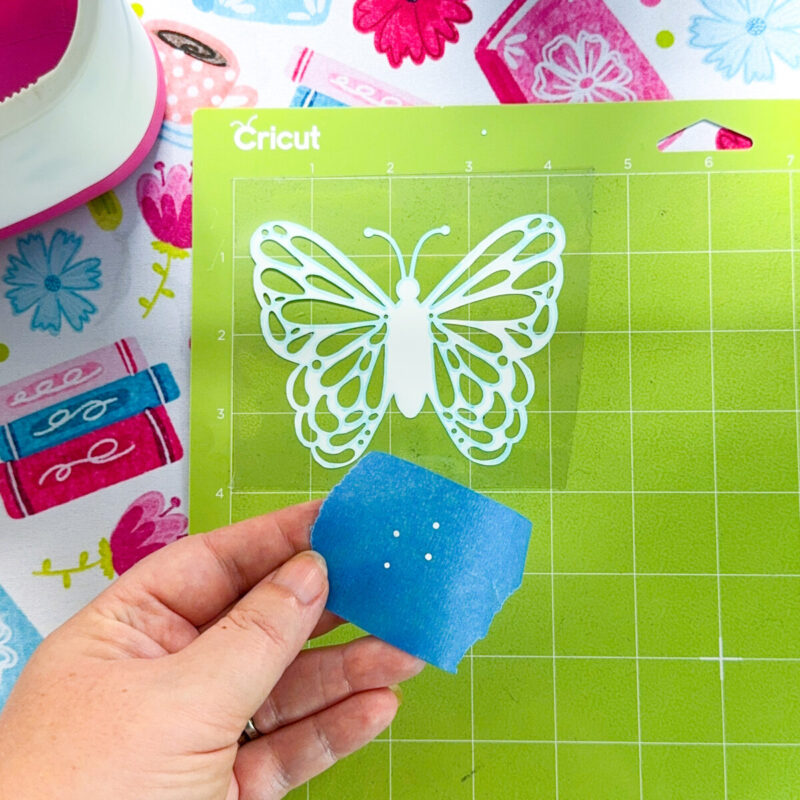
When working with heat transfer vinyl (HTV), especially glitter or flocked HTV, static can cause small bits of vinyl to cling to your design. Using a lint roller or painters tape helps to lift away those pesky bits without disturbing your design.
This is also great for removing pet hair before pressing if you have dogs like me. It’s a simple trick, but one that can save you a ton of time!
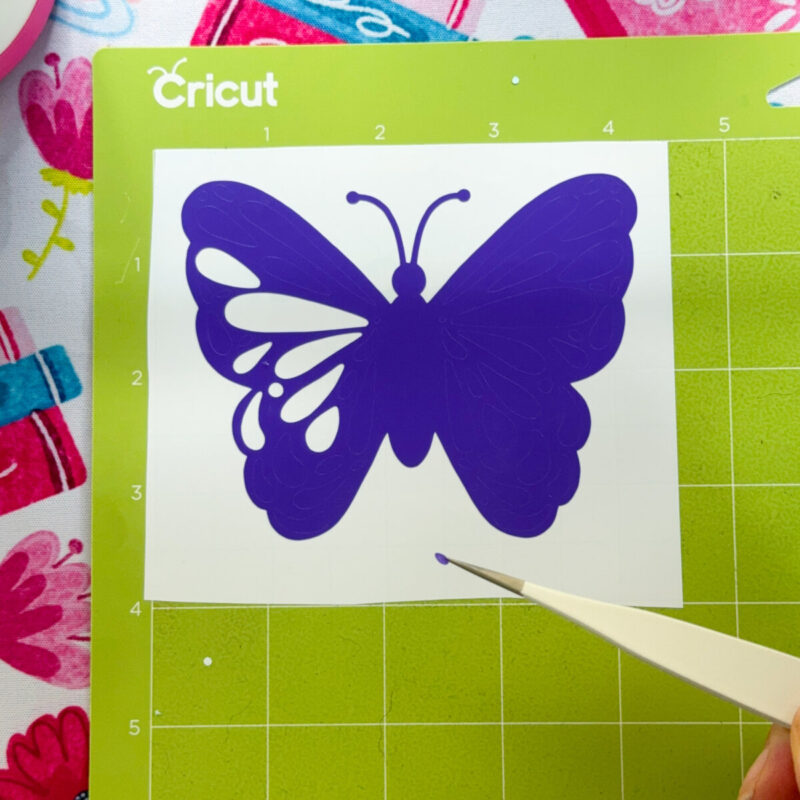
9. Use Fine Tweezers for Intricate Designs
When working with small, detailed designs, a pair of fine-point tweezers can be a game-changer. They allow you to grab even the smallest pieces of vinyl or HTV without disturbing the surrounding design.
I always keep tweezers handy when working on more intricate projects, like delicate mandalas or tiny lettering.
10. Practice Patience
Okay, this might not be the most technical tip, but it’s an important one! Weeding vinyl and HTV can sometimes be a test of patience, especially when you’re working with detailed designs. But the more you practice, the better you’ll get, and soon enough, you’ll find yourself breezing through even the most complicated projects.
So take a deep breath, relax, and remember—it’s all part of the fun!
Don’t go yet! Want to hear my BONUS TIP???
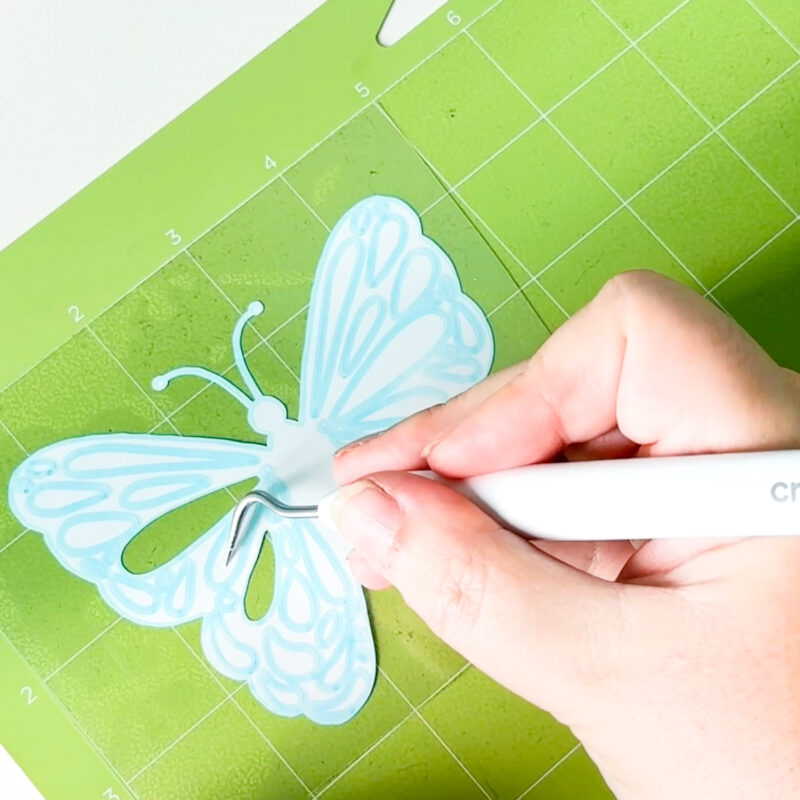
Bonus: Pre-draw Lines With A Pen
If you have a design that is extra intricate like a mandala that you are cutting from HTV you may want to consider using the pen attachment to pre-draw your cut lines for you!
You will only want to do this tip using iron-on/HTV since it is cut from the back, unlike vinyl which is cut from the front.
To do this:
- Add your design to Cricut Design Space and then duplicate it.
- Change the operation type of your duplicated design from cut to draw-pen.
- Select your design and the duplicated design and click Align- Center.
- Use the attach tool to attach both pieces.
- Your Cricut will then draw your lines first, then cut them. I love doing this hack with a Cricut Washable Fabric Pen.
Watch a quick video of me demonstrating this technique here:
Your Cricut will then draw the design on the back of your HTV before cutting it. Don’t forget to mirror!
Phew! That was a ton of information! I hope you loved these Cricut weeding tips. Are you ready to put it all into action? Join Crystal’s Cricut Craft Club to Cricut craft with me live on Zoom once a month!

Conclusion:
Whether you’re working with vinyl or heat transfer vinyl, these beginner weeding tips for Cricut will help make the process faster, easier, and more enjoyable. As with anything Cricut-related, practice makes perfect. The more you work with vinyl and HTV, the more confident you’ll become in your weeding techniques. And before long, you’ll be weeding like a pro!
Don’t forget to check out my Cricut Shop for my favorite Cricut tools and accessories that make weeding a breeze. Happy crafting!
Pin these Cricut Weeding Tips to Refer Back To Later!

More Cricut Vinyl and Cricut HTV Tips
Looking for even more Cricut Vinyl and HTV help? Check out my Cricut Beginner’s Guide To Vinyl & HTV!












Merci beaucoup j’ai vraiment appris de petits trucs qui vont m’aider
Yes I’d like more weeding tips the first ones were great I knew most of them I forgot about the painters tape I am waiting small designs for keychains I think the bonus one will be very helpful thanks for sharing send more