

Cricut Cutting Mat Guide: Which Mat to Use for Perfect Results Every Time
This post and the photos within it may contain Amazon or other affiliate links. If you purchase something through the link, I may receive a small commission at no extra charge to you.
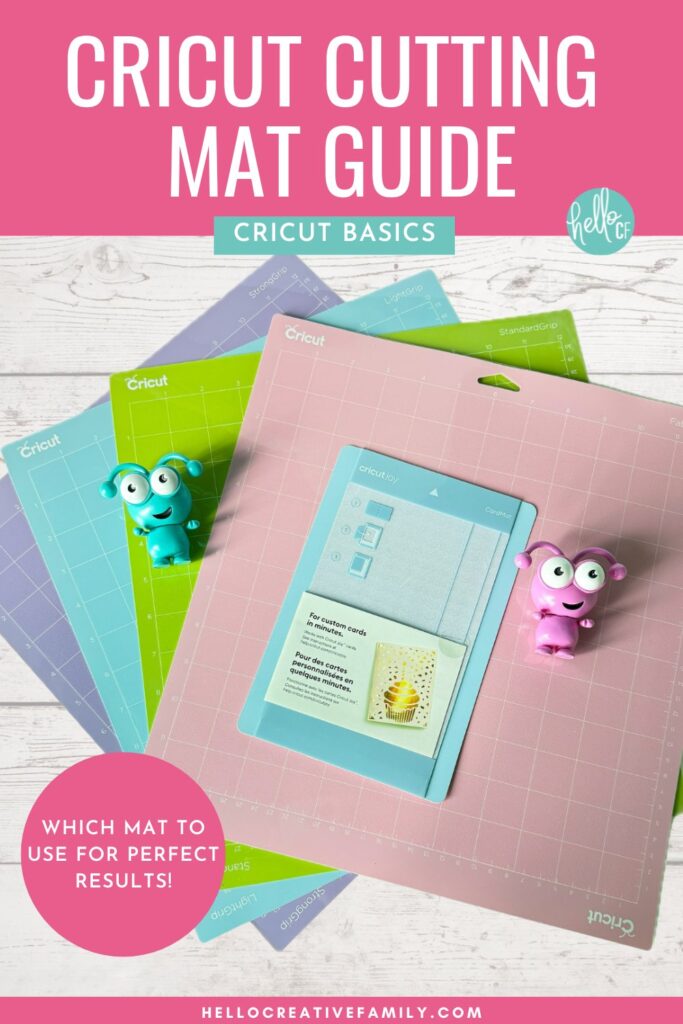
Confused about Cricut mats? Our Cricut cutting mat guide explains LightGrip, StandardGrip, StrongGrip, and FabricGrip mat uses to help you choose the right one for every project whether you are using a Cricut Maker, Cricut Explore, Cricut Venture , Cricut Joy or Cricut Joy Xtra.
When you first start using a Cricut cutting machine it can seem overwhelming! There are so many different types of materials, mats, heat presses and even blades. How does someone who is new to Cricut know which one to use for which project?
Lucky for you, I’m here to help! I have been Cricut crafting for over 10 years and my passion is sharing my knowledge with other Cricut users.
I love sharing my Cricut knowledge so much that I have a Cricut Craft Club where I craft with my members live on Zoom once a month. We make an amazing project together covering project layout in Cricut Design Space, cutting your materials and assembling. All of the classes are recorded so that members can watch them anytime they want.
Interested in Cricut Craft Club? I’d love for you to join us. Get all the information here and let me know if you have any questions!
In the meantime, I have a ton of resources here on Hello Creative Family in my Cricut Basics section. Today we’re adding to those resources with this post that is all about Cricut mats.
Using the right mat for the material you are using is vital for your Cricut success.
This guide will walk you through each type of Cricut mat, explaining which to use for every project and sharing insider tips for keeping your mats in perfect condition.
Whether you’re a Cricut newbie or a seasoned pro, you’ll be creating incredible results in no time!
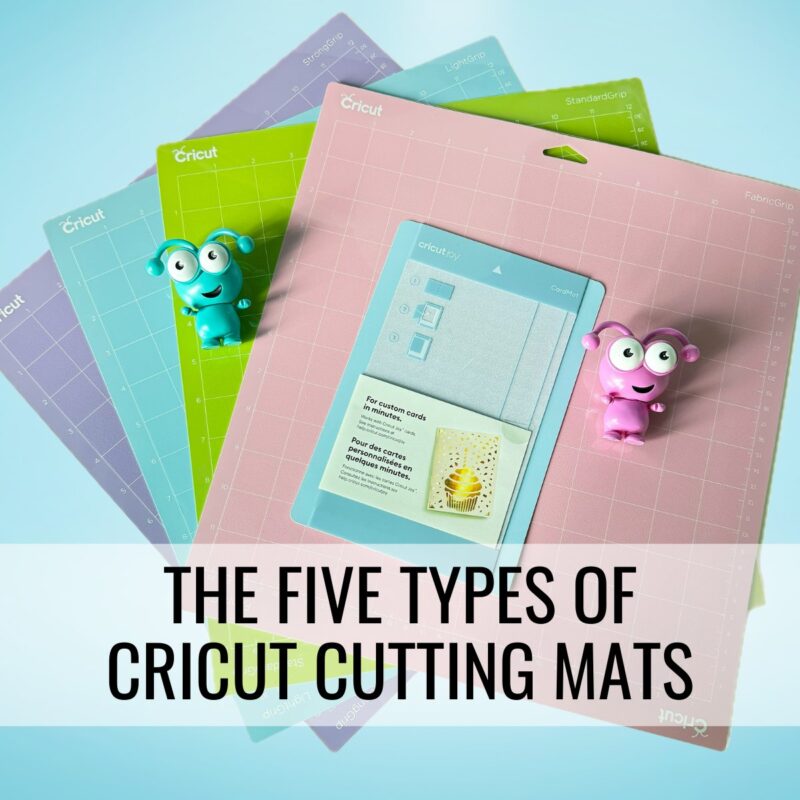
The Five Types of Cricut Cutting Mats
Cricut offers four main mats plus a speciality mat, each with its own special grip to hold different types of materials. Let’s look at what makes each mat unique!
Purchase a Cricut Machine Mat Variety Pack here!
1. LightGrip Mat: For Lightweight Materials
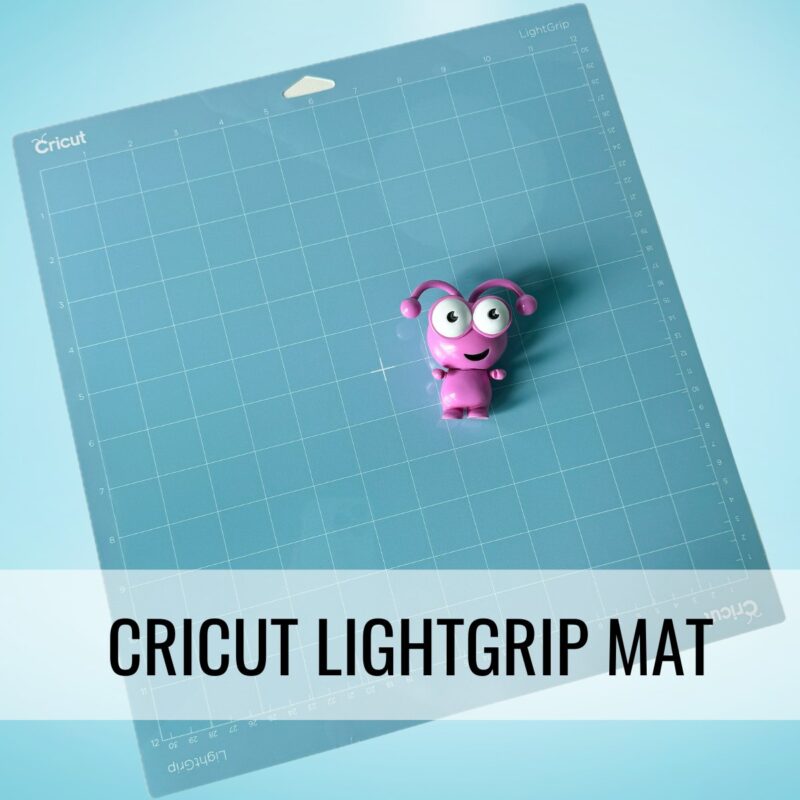
The Cricut LightGrip Mat is your go-to for lightweight materials that need a gentle touch. It’s perfect for things like paper, light cardstock, and vinyl sheets. I especially love it for 12×12 vinyl sheets (like Cricut Value Vinyl) because they lay nice and flat (no pesky curling!), and they’re super easy to peel off afterward—leaving your leftover vinyl smooth and crease-free.
Best for: Lightweight materials such as construction paper, printer paper, thin cardstock, vellum, patterned scrapbook paper, printable sticker paper, and 12×12 vinyl sheets.
Purchase The Cricut LightGrip Mat here!
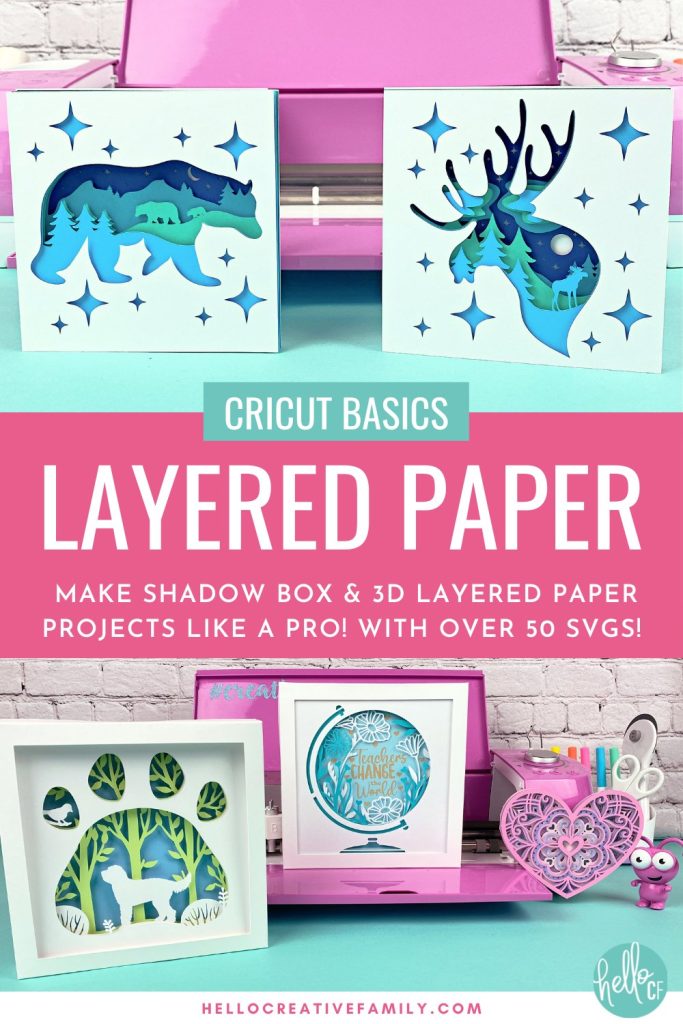
Take Your Learning Further: Want to learn how to use the LightGrip Mat to make layered paper projects? Check out Cricut Basics: Layered Paper
2. StandardGrip Mat: For Medium-Weight Materials
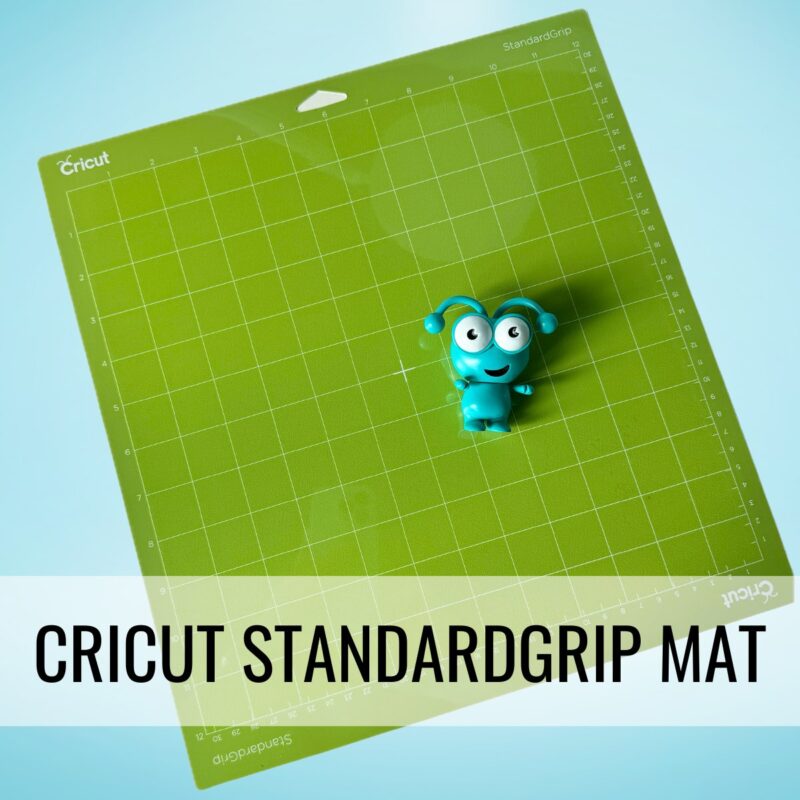
If you only have one mat in your collection, the Cricut StandardGrip Mat is the one that you want to have. It is the perfect blend of great sticking power, with easy release. If you’re working with cardstock, iron-on, vinyl, this is your mat. From card-making, to t-shirt design, to vinyl decals this mat covers all your bases. It has a reliable hold without being too sticky, so you get great cuts without damaging your materials.
Best for: Medium Weight materials such as glitter cardstock,embossed cardstock, iron-on, infusible ink, acetate, kraftboard, matboard and regular vinyl.
Purchase The Cricut StandardGrip Mat here!
Take Your Learning Further: Want to learn how to use your StandardGrip Mat with vinyl and HTV? Check out our Cricut Basics: Beginner’s Guide To Using Vinyl

3. StrongGrip Mat: For Heavy-Duty Materials
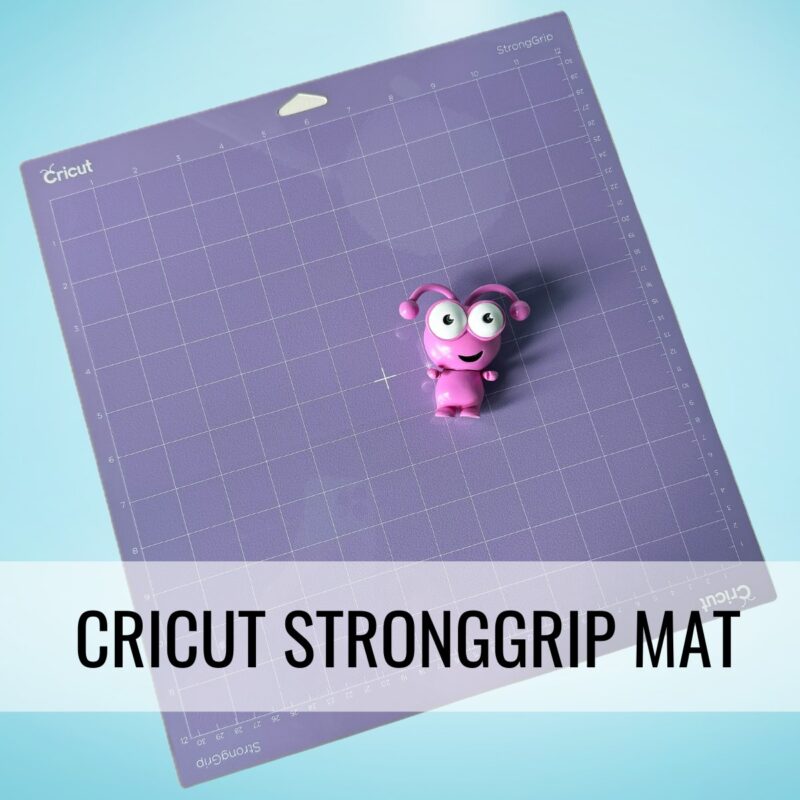
Need to cut thicker materials? The Cricut StrongGrip Mat is a workhorse of a cutting mat! This mat has a super-strong adhesive perfect for chipboard, leather, magnet material, and more. Just press your material down well to make sure it sticks, and peel it off gently to keep everything nice and neat.
Pro-Crafter Tip: For materials like acrylic, basswood, leather and chipboard you may want to use painter’s tape or washi tape to hold your material in place on the mat.
Best for: Heavyweight materials such as basswood, balsa wood, acrylic, wood veneer, metal, magnet material, leather, aluminum sheets, chipboard and other heavier specialty materials.
Purchase The Cricut StrongGrip Mat here!
Take Your Learning Further: Want to learn how to use your StrongGrip Mat to engrave jewelry with your Cricut Maker or Cricut Maker 3? Check out our Cricut Basics: Engrave Jewelry With Your Cricut.

4. FabricGrip Mat: For Fabrics and Delicate Textiles
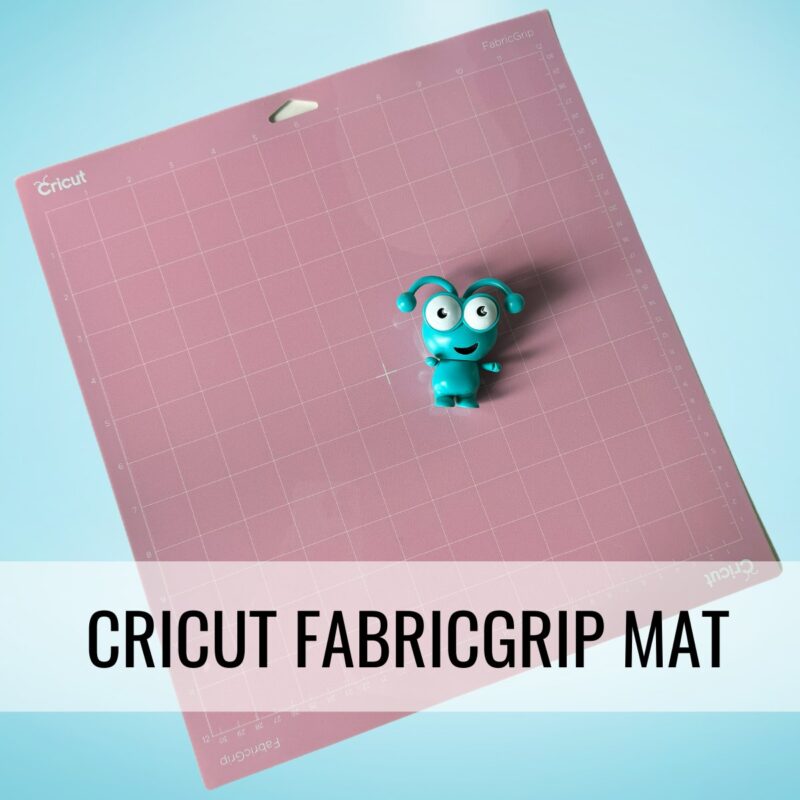
Made specifically for fabric, the Cricut FabricGrip Mat combines a delicate adhesive with a strong hold, making it perfect for fabric cutting with a rotary blade and your Cricut Maker or an interface bonded-fabric blade and your Cricut Explore.
Pro-Crafter Tip: For projects with felt or fleece, here’s a pro tip: place transfer tape sticky-side-up on your mat before adding the fabric. This way, the fuzz stays on the transfer tape instead of your mat and you’ll get the longest possible life out of your fabric mat. Once the transfer tape gets too fuzzy, just replace the tape, and your mat will be like new!
Best for: All fabrics (Cricut Maker) or bonded fabric (Cricut Explore).
Purchase The Cricut FabricGrip Mat here!
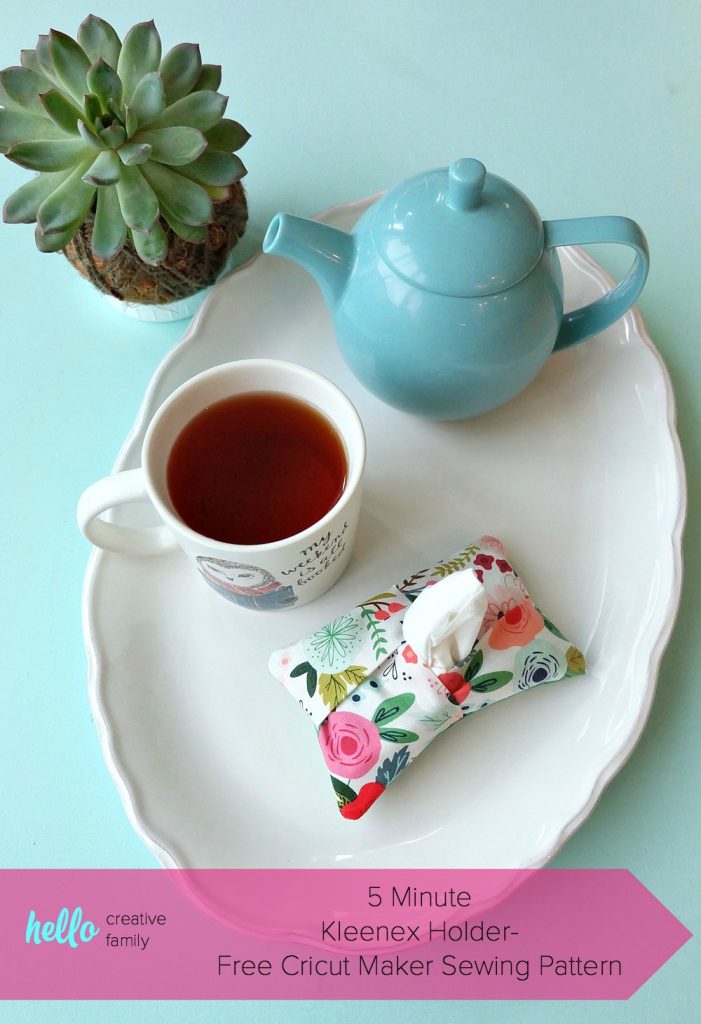
Take Your Learning Further: Learn how to use your FabricGrip Mat to make a 5 Minute Kleenex Holder!
5. Cricut Card Mat: For Cricut Cardmaking
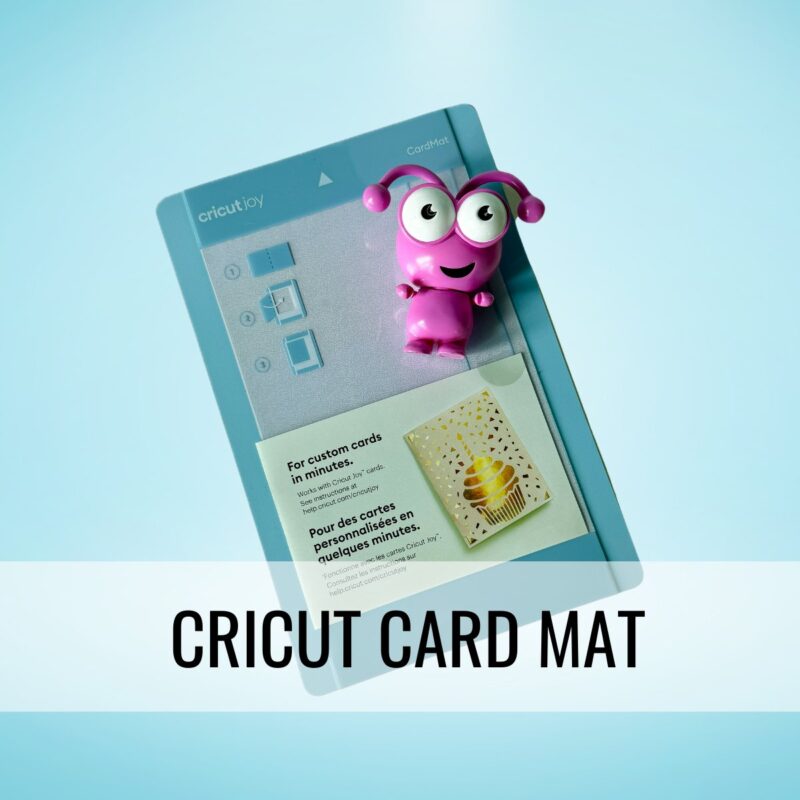
If you love creating cards you won’t want to miss the Cricut Card Mat! This mat was created for creating Cricut Insert Cards style of cards. The unique mat construction allows your Cricut to cut through the front layer of the card without cutting through the back. You can use it with Cricut Insert Card Blanks or you can create your own blank cards using your favorite colors and patterns of cardstock!
Recommended Material Types: Cricut Insert Cards, Cardstock
Purchase the Cricut Card Mat here!
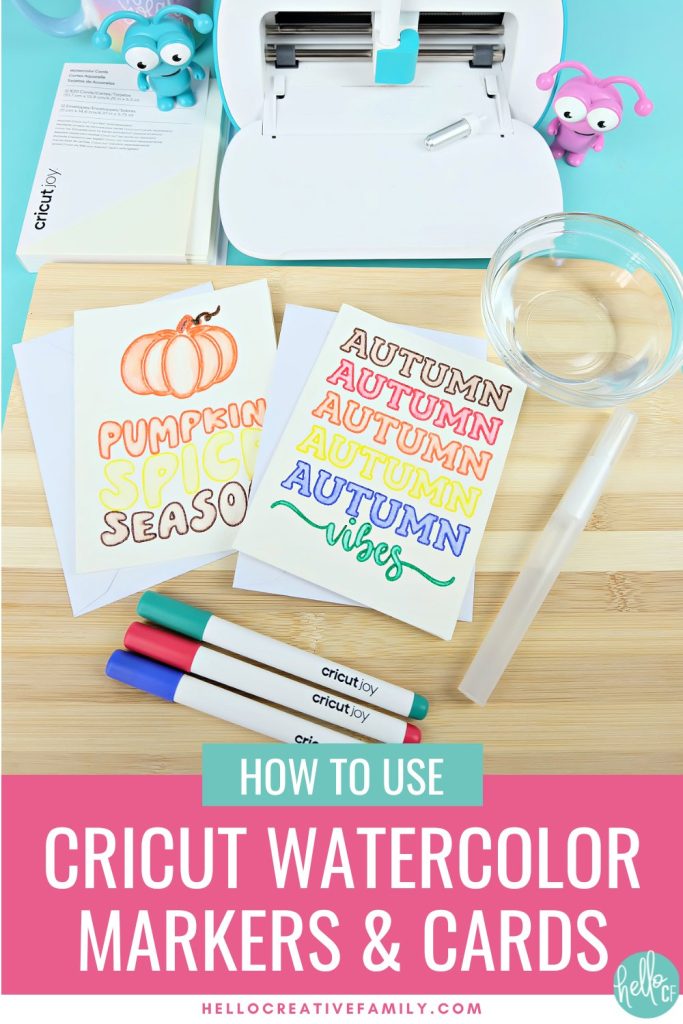
Take Your Learning Further: Want to learn how to use your Cricut to make beautiful watercolor cards! Check out our post Cricut Basics: How To Use Cricut Watercolor Markers and Cards.
Extra Cricut Mat Sizes
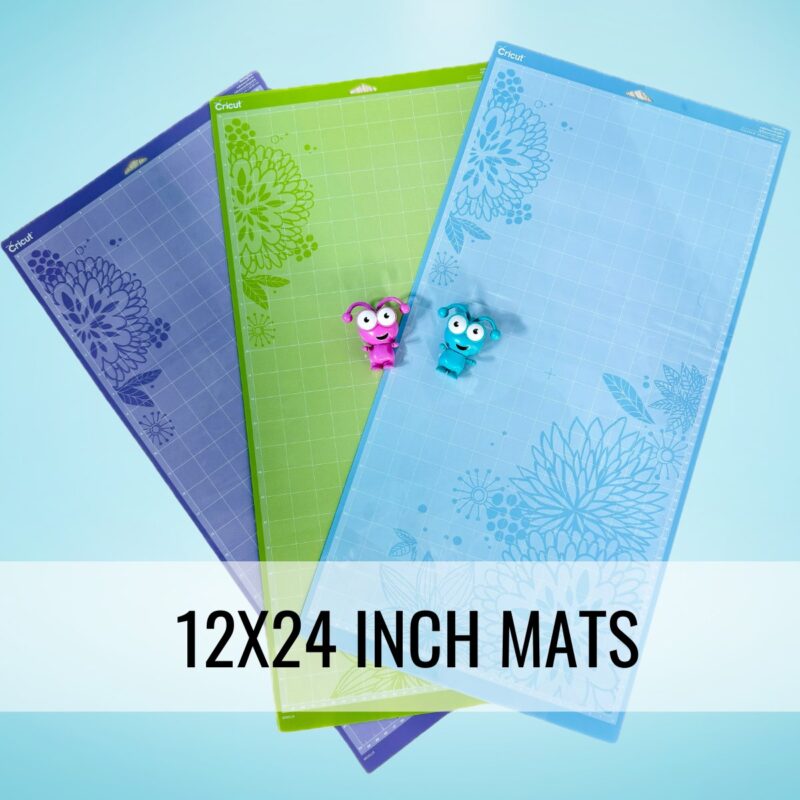
Did you know Cricut mats come in both 12×12 and 12×24 sizes for the Cricut Maker and Cricut Explore as well as larger and smaller sizes for the Cricut Venture, Cricut Joy and Cricut Joy Xtra.
If you’re crafting bigger projects or long cuts, the 12×24 size gives you tons of flexibility. You can even get a variety pack of machine mats which has the three mats shown above.
Purchase all Cricut Machine Mats here!
Cricut Cutting Mat Guide
Now that you know about the 5 different types of Cricut cutting mats, less dive a bit deeper shall we?
Choosing the Right Cricut Mat for Every Project
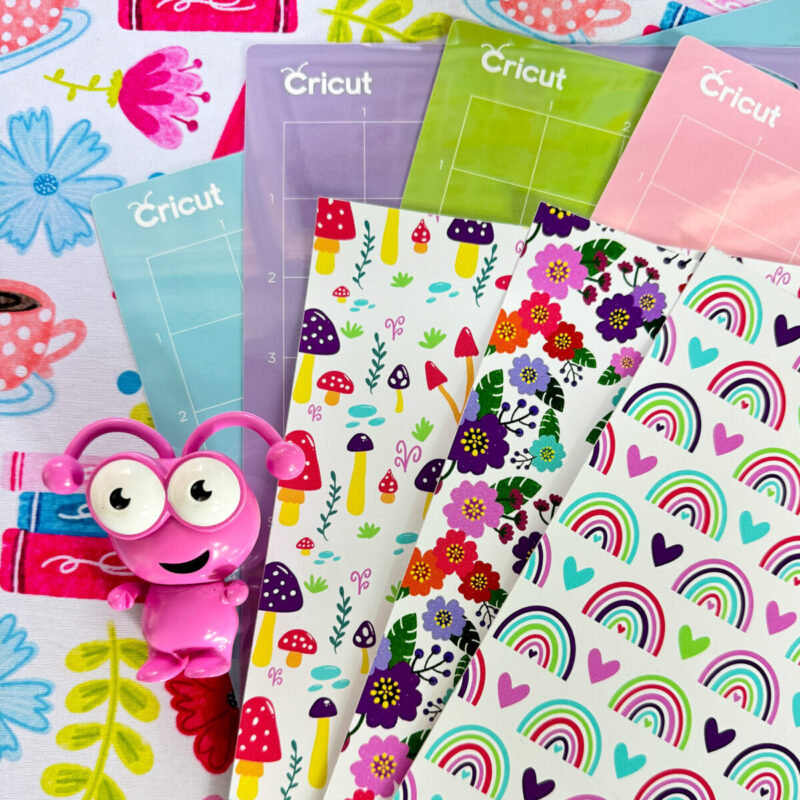
With so many materials and mat options, it can feel a bit overwhelming. Here are some tips to make the choice easy:
- Match Material to Mat: Lightweight stuff? Go LightGrip. Medium? StandardGrip. Heavy-duty? StrongGrip. Fabrics? You got it—FabricGrip!
- Give it a Test Run: If you’re unsure, try using a lighter grip mat and move up if the material slips.
- Check Mat Condition: A quick clean can make a big difference when mats start losing their stick (more on this in the care tips below!).
- Pay Attention To Stick Left On Mat: Have a StrongGrip Mat that’s lost some of its stick? Try using it in place of a StandardGrip mat. Have a StandardGrip mat that you’ve been using for a long time? It might make the perfect replacement for a LightGrip mat!
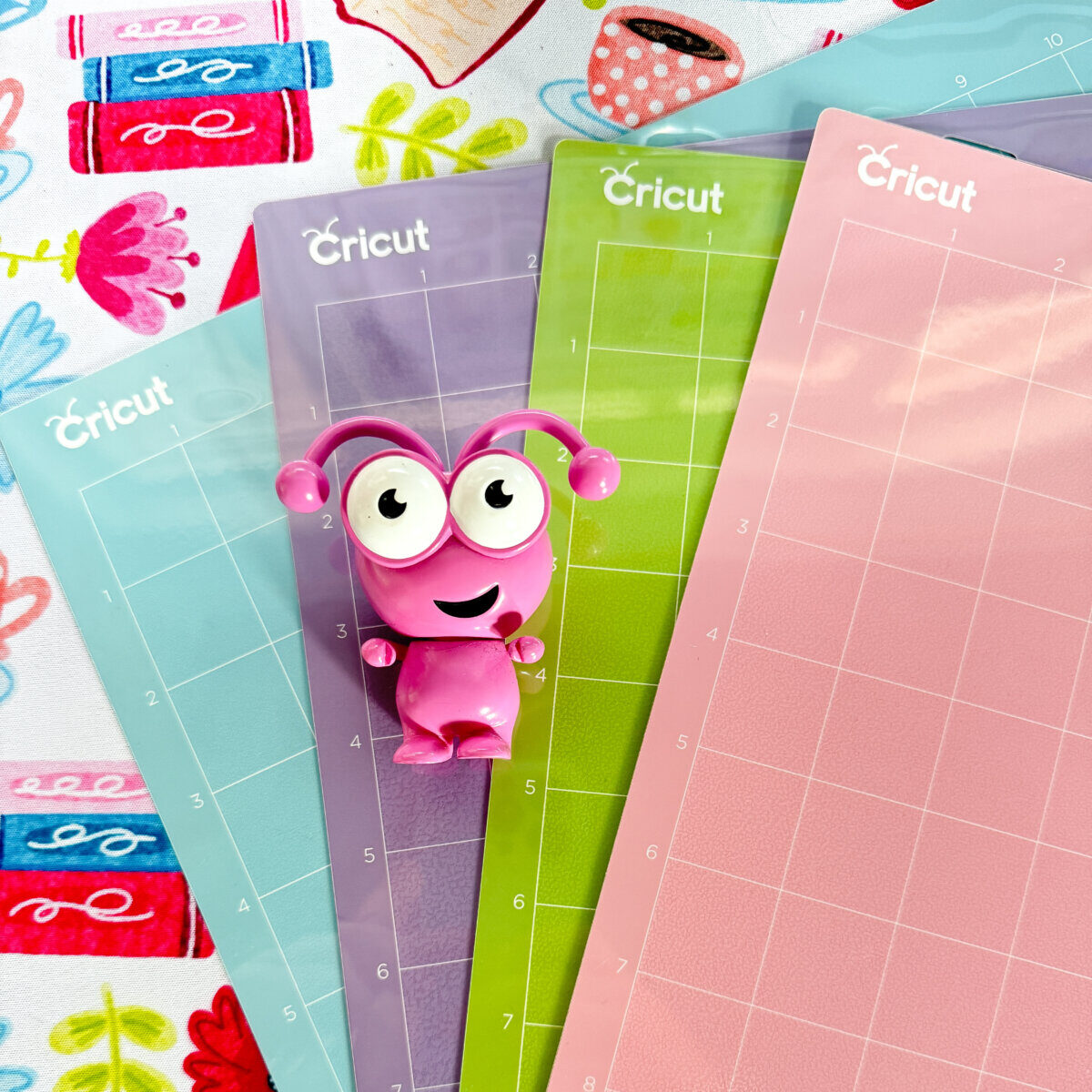
10 Tips for Keeping Your Cricut Mats in Great Shape
Ready for some Cricut mat hacks? These tips will help you extend the life of your mats and keep them performing like new.
- Use Transfer Tape with Fabric: Place transfer tape sticky-side-up on the FabricGrip mat when working with felt or fleece. This keeps fuzz off the mat and keeps it sticky for longer!
- Release Materials Gently: Instead of peeling your materials off, curl the mat a little to help them release without curling or creasing your cutting material.
- Cover Your Mats When Not in Use: Those plastic covers protect your mats from dust, pet hair, and other debris! Always make sure you replace the clear film cover when you are done using your mat so you get the best performance from your mat.
- Clean When Necessary: If your mat starts losing stick, wash it with lukewarm water and Dawn dish soap. Rub it gently to remove any leftover debris then let it air dry—voilà! Stickiness restored.
- Rotate Your Mats: Alternate your mats to extend their life, especially if you craft frequently. Mats can be fed into the machine with the Cricut logo and hanging hole at either the top or bottom and the bottom of the mat tends to be cut on less!
- Vary Your Cutting Area: Try not to place designs in the exact same spot every time; move them around to prevent excessive wear.
- Handle Mats by the Edges: Oils from your hands can reduce stickiness, so stick to handling mats by the edges. You may also want to use Cricut tools like a spatula or tweezers to help remove materials from your mat instead of using your fingers and get the longest life out of your mats.
- Store Mats Flat or Hang Them: This prevents warping, which can make cuts less accurate.
- Go Easy with the Scraper: If you use a scraper to remove scraps, apply light pressure to avoid damaging the mat.
- Buy in Bulk: Cricut often has sales on mats in bulk, making it easy and affordable to keep extras on hand. You can find the Cricut sale page here to score on great discounts!
FAQs About Cricut Mats
Which Cricut mat should I use?
Match your material with the right mat (LightGrip for lightweight, StandardGrip for medium, etc.). When in doubt, start with a lighter grip.
Can I reuse old mats?
Yes! A quick wash can often restore stickiness. If it’s still not sticky enough, a light adhesive spray can be a temporary fix.
How often should I replace my mats/ How many times can you use a Cricut cutting mat?
Depending on how often you use your mat and how you care for your mat they can last anywhere from months to years! Watch for reduced stickiness or cuts in the mat surface as signs it might be time for a replacement. Use a brayer to apply your materials to your mat to prolong mat life even longer and to get the best possible adhesion.
Can I use my Cricut without a cutting mat?
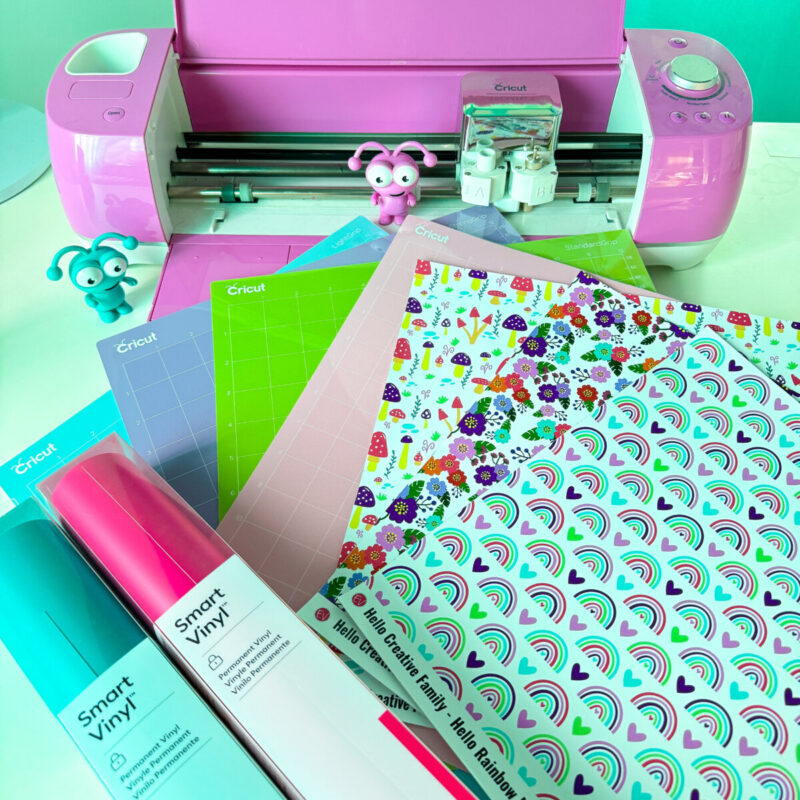
The newer Cricut cutting machines like the Cricut Maker 3, the Cricut Explore 3, the Cricut Joy and the Cricut Joy Xtra are able to cut Cricut Smart materials without a mat. Cricut Smart Materials include Cricut Smart Iron-On and Cricut Smart Vinyl. Other materials like cardstock, leather, fabric and Print Then Cut materials still require the use of a cutting mat.
How do I make my Cricut mats sticky again/ can Cricut mats be cleaned?
If your mat starts losing stick, wash it with lukewarm water and Dawn dish soap. Rub it gently to remove any leftover debris then let it air dry—voilà! Stickiness restored.
Do Cricuts come with cutting mats?
This will depend on what machine or machine bundle you purchase. Make sure you check the list of what’s included when you make your purchase. If your machine doesn’t come with a mat I recommend purchasing a Cricut Machine Mat Variety Pack here.
Why do you need different mats for Cricut?
Having worked with Cricut for over 10 years one thing I know for sure is that Cricut spends countless hours researching and testing each and every one of their products. The different cutting mats were created so that Cricut crafters get the best possible results for each and every cut that they make. Each mat has a different level of stickiness so that your material sticks to the mat, but will still release the material without tearing it.
How do you cut longer than a Cricut mat?
To cut longer than a 12×12 Cricut cutting mat you will either want to use a 12×24 cutting mat or use Cricut Smart Materials with one of the compatable cutting machines to do matless cutting.
Are the Cricut Mats reusable?
Absolutely! With the proper care Cricut mats can last months and even years!
Are Cricut Mats self healing?
Cricut machine mats are not self healing. That’s why it’s recommended to place your cuts on different areas of the mat and to rotate your mat regularly. Cricut does make self healing craft mats that are for table top use, not machine use.
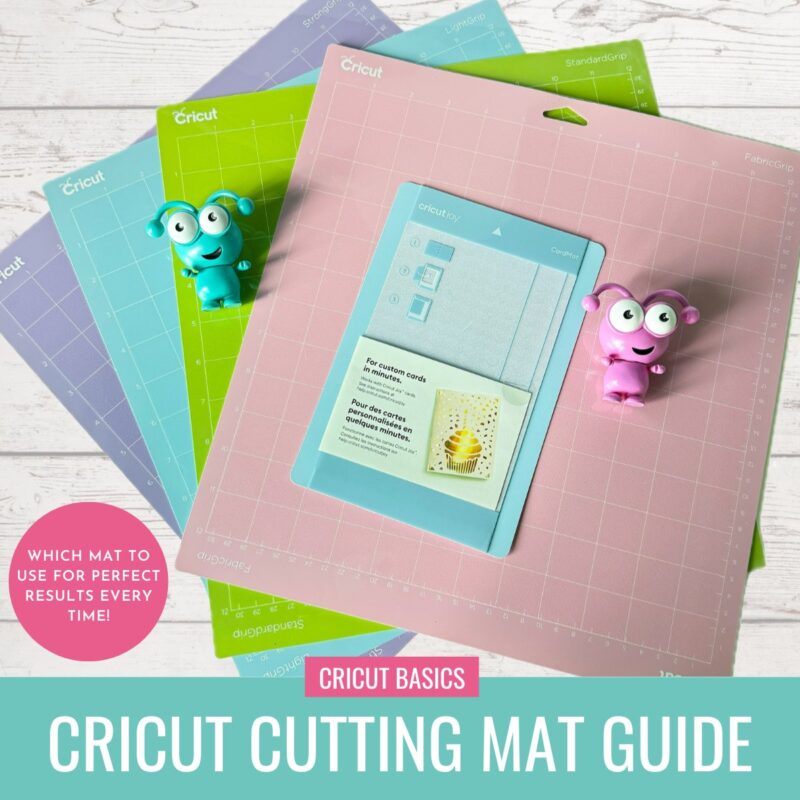
Final Thoughts: Which Cricut Mat is Right for You?
Picking the right mat is a small step that makes a huge difference in your Cricut crafting! With the right grip level, you’ll save time, avoid frustration, and create many beautiful projects.
Keep a variety of mats on hand, take good care of them, and you’ll be ready for any crafting project that comes your way!
Take Your Cricut Learning Further
Want to learn from me more about how to use your Cricut Cutting machine?
Cricut Craft Club
Cricut Craft Club is an excellent way to learn how to use your Cricut cutting machine and Cricut Design Space while making some amazing projects! I craft with Cricut Craft Club Members once a month live on Zoom and classes are recorded so Cricut Craft Club Members can watch them on their own schedule, anytime.

Sign up for Cricut Craft Club here!
Cricut Basics Series
Want to learn even more? Check out our Cricut Basics section. Here are some Cricut Basics articles I think you’ll like!
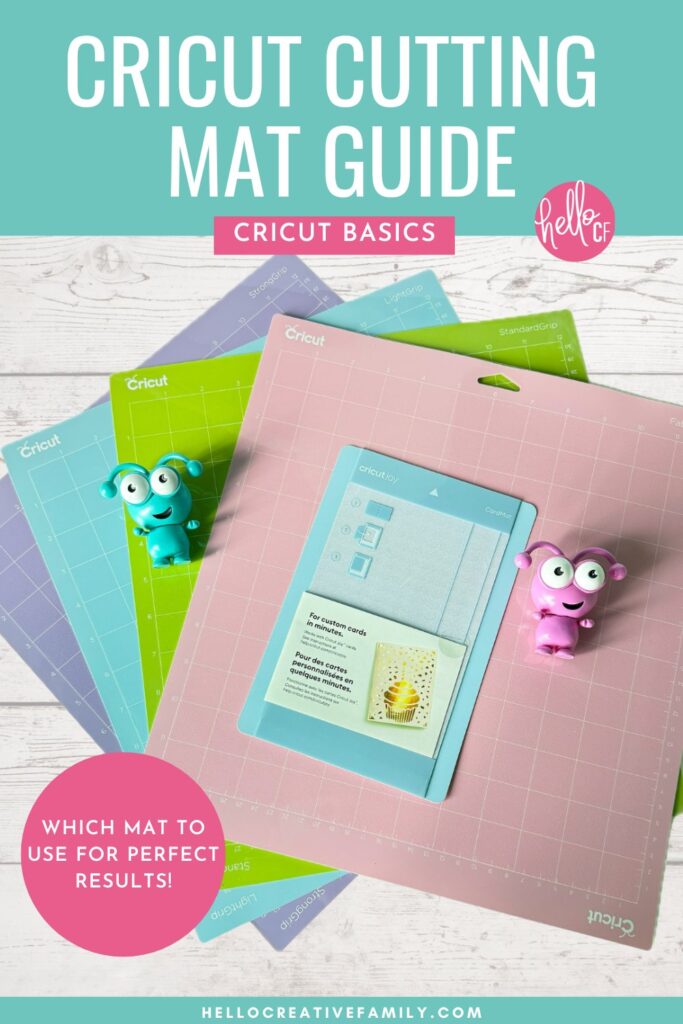
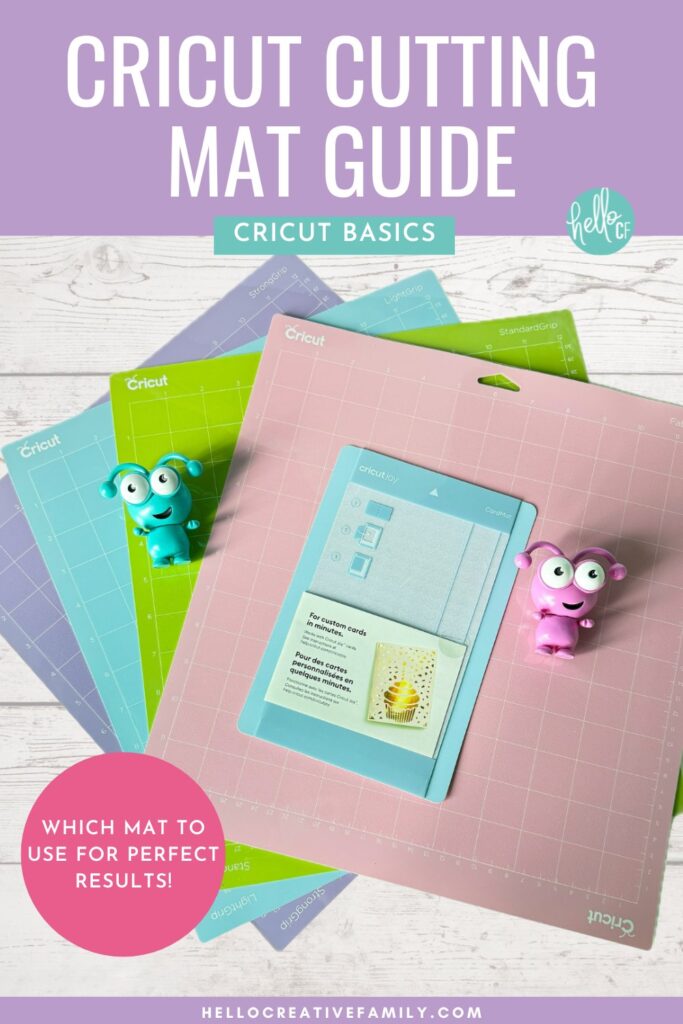
Pin this guide to Pinterest so that you can refer back to it later!
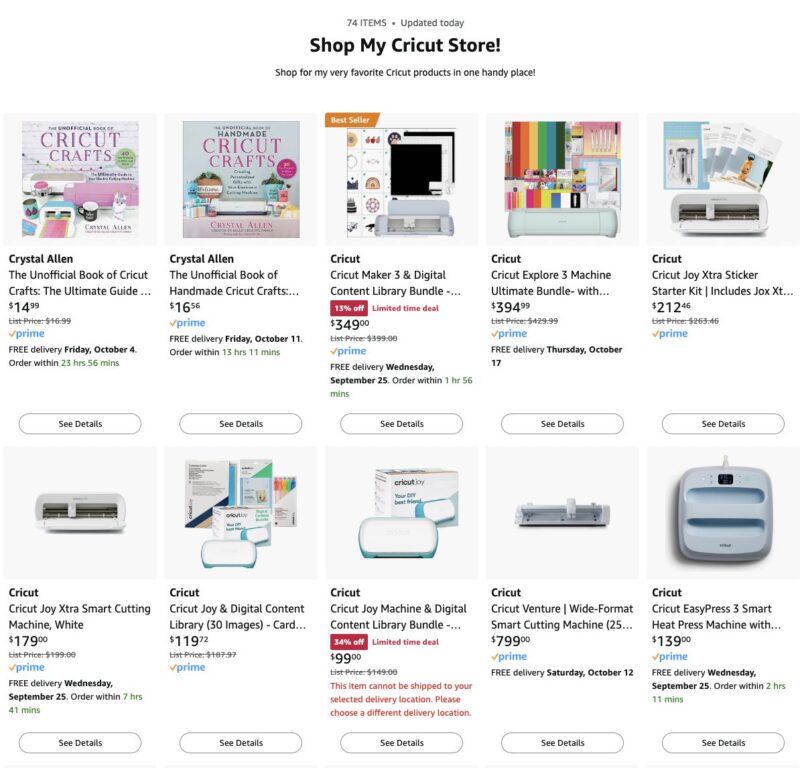
Shop For The Best Cricut Supplies
If you’re ready to stock up on vinyl and other Cricut essentials, click on my shop below to check out some of my favorite Cricut Craft Supplies!